
Creating assignments
Create a representative number of assignments to simulate a realistic weekly or monthly schedule. This allows you to assess whether the chosen approach runs smoothly and aligns perfectly with your workflow.
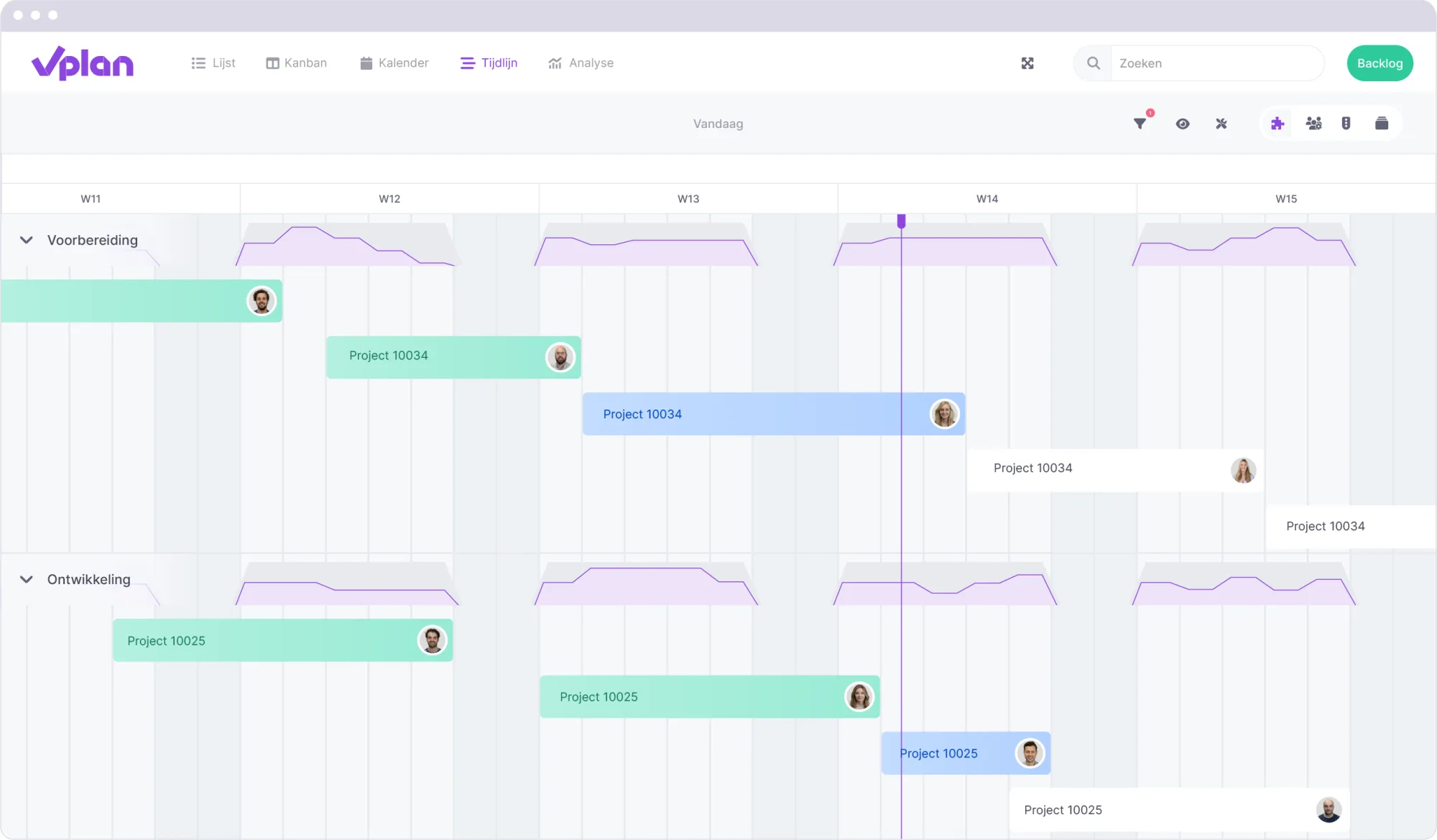
Enriching assignments
Check if all the necessary information can be easily added to new assignments. Are there enough fields to register all relevant data? Try enriching an assignment completely and see if this process is logical and clear.
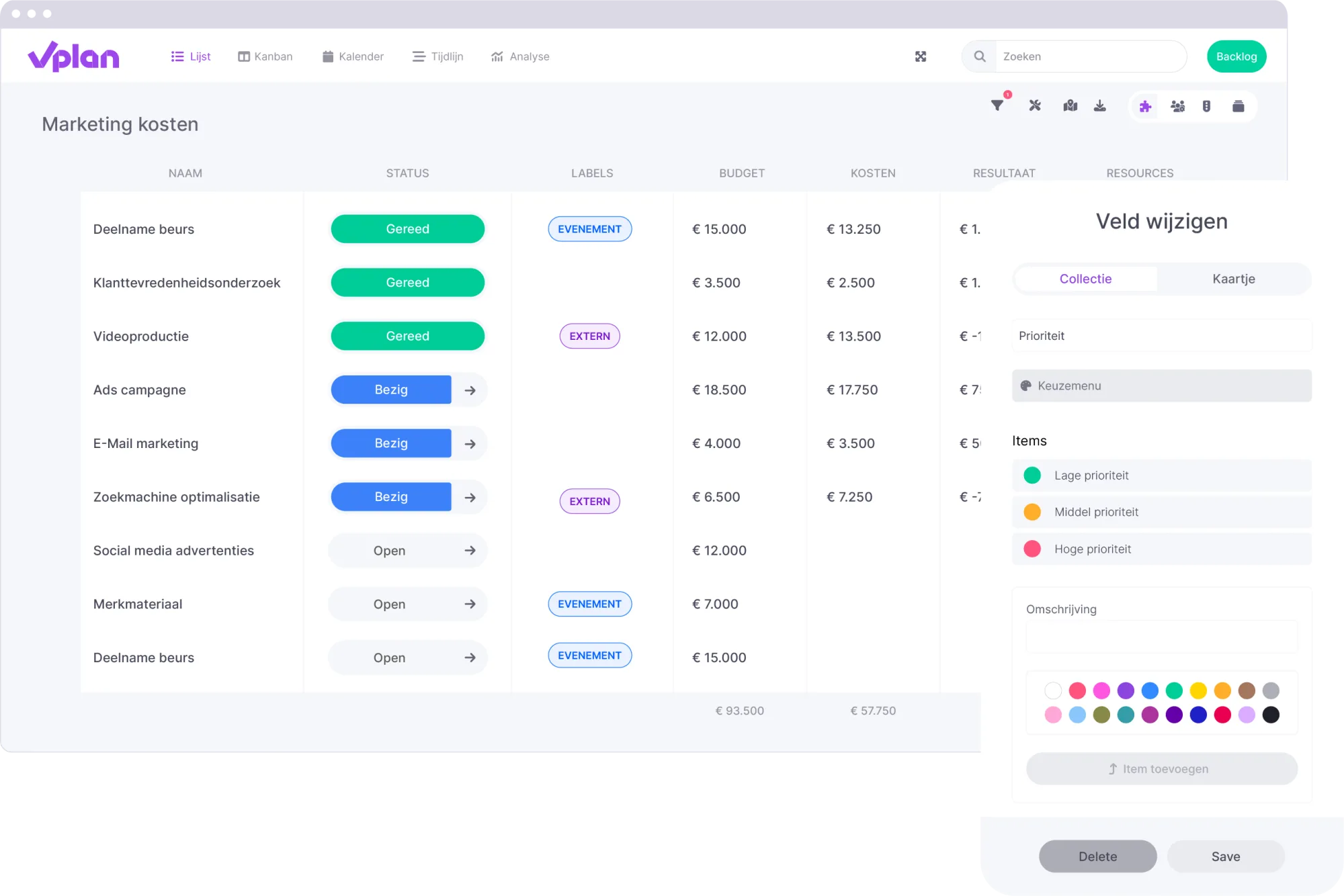
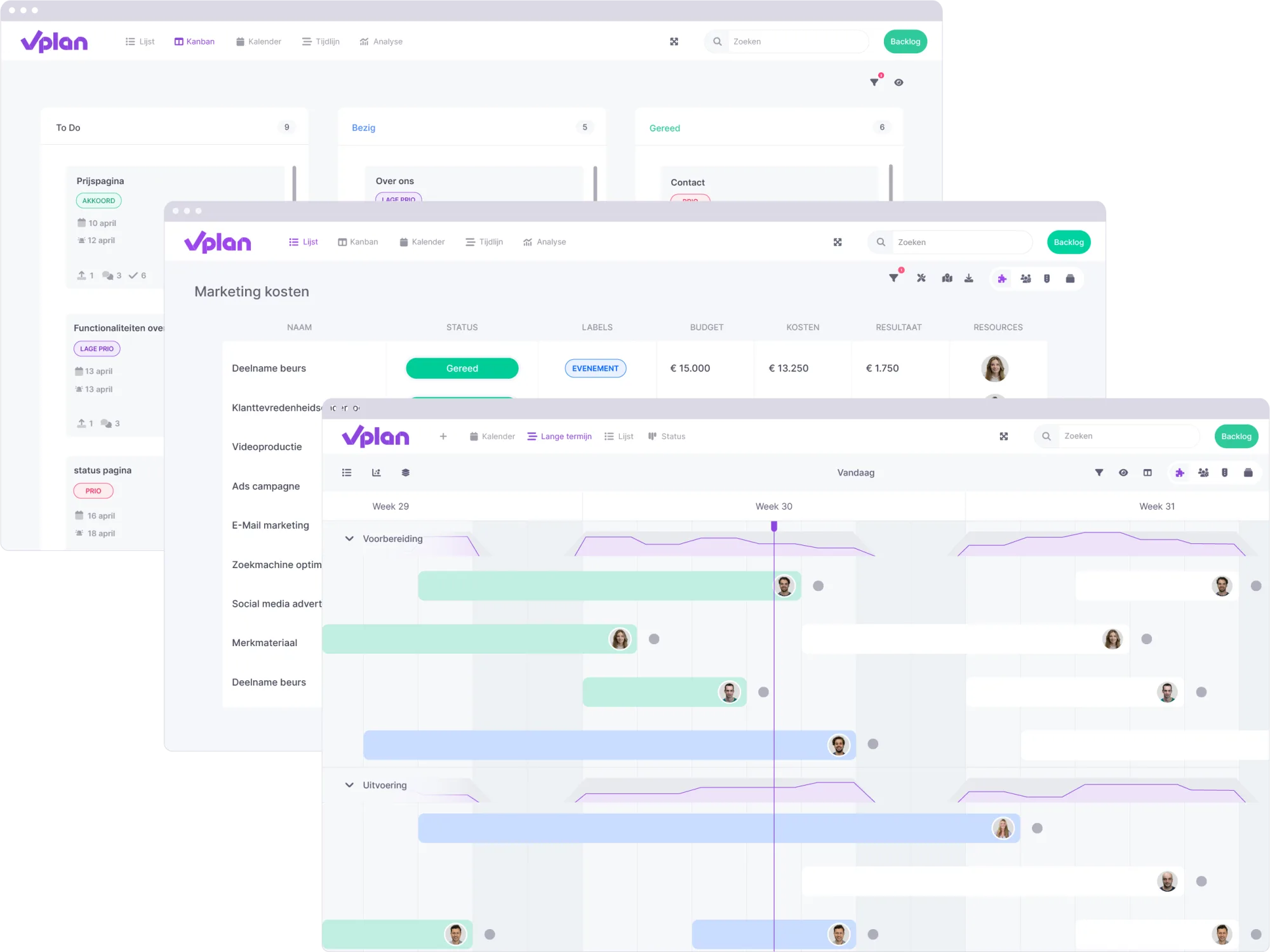
Planning in the right view
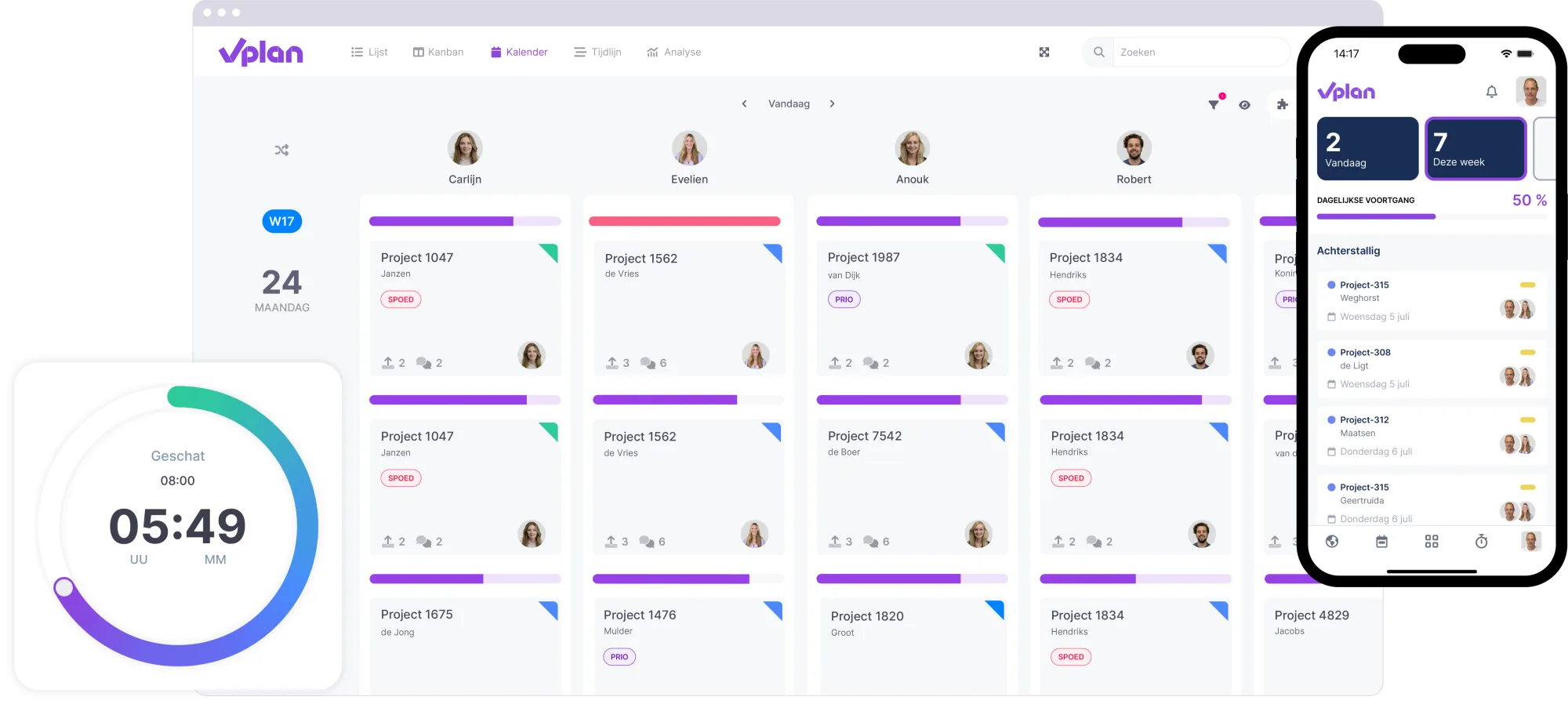
vPlan offers various views and overviews for planning and monitoring assignments. Test whether the selected view displays the information you need and matches your specific requirements. Consider day, week, or month views when testing.
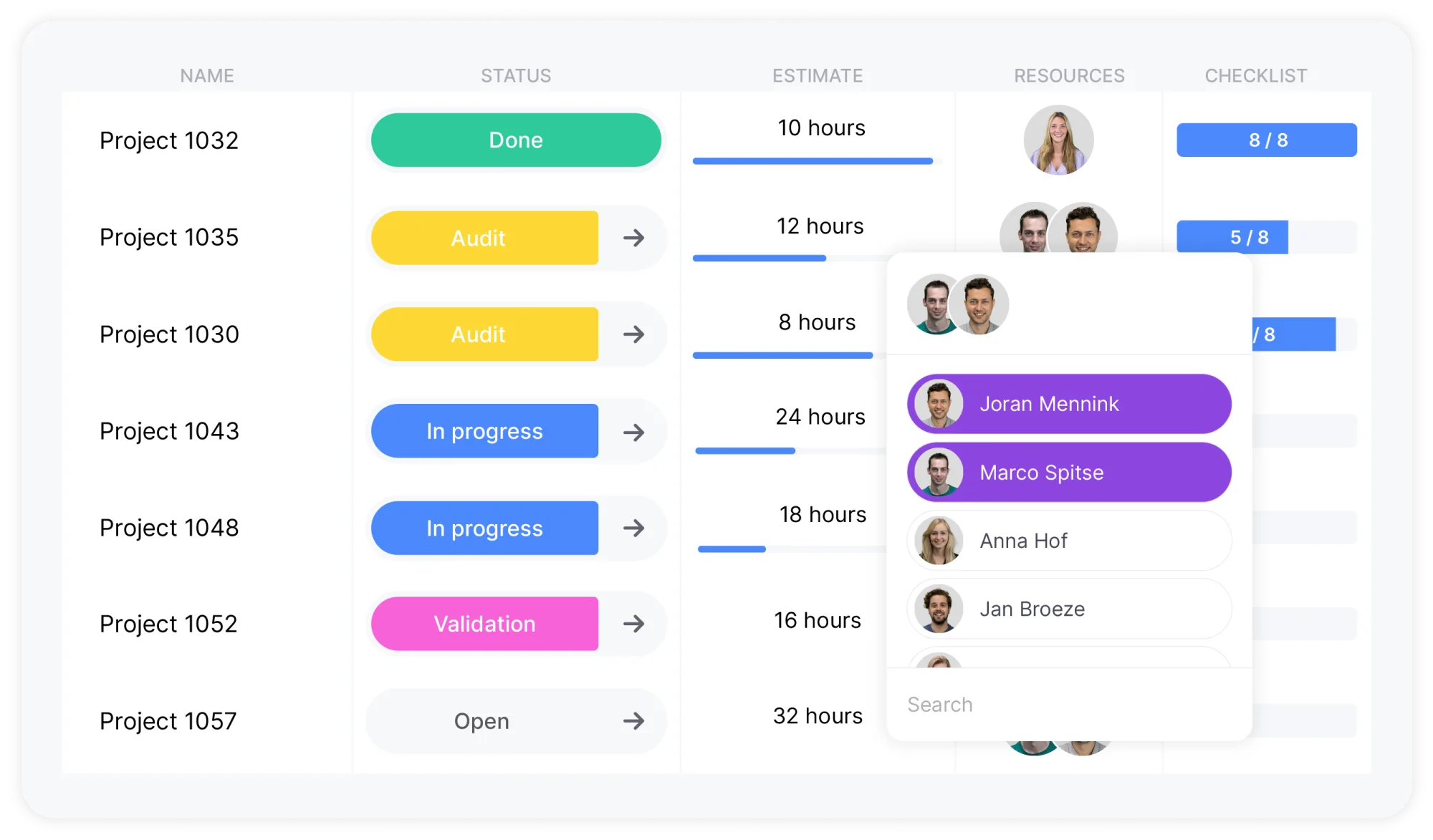
Linking resources to assignments
To ensure clear capacity overviews and effective resource management, it's essential to link resources to assignments. Test assigning one or multiple resources to tasks and verify that the process works as intended.
Flexible planning
Test whether it’s easy to move assignments. Can you shift complete tasks (including related cards) or only parts of them to a different time or resource? Ensure the flexibility meets your needs.
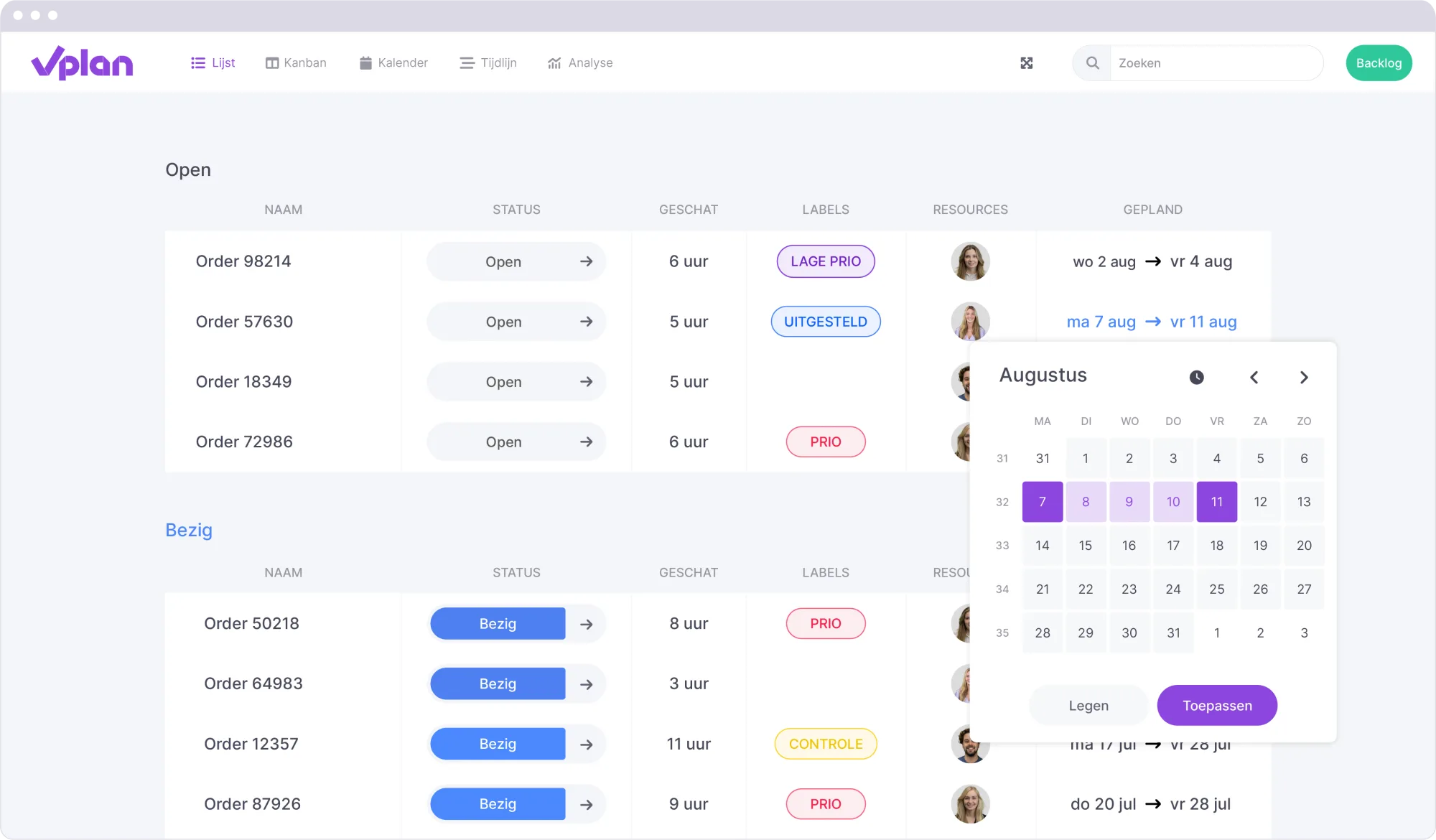
Insights in vPlan
Think about the insights you need and test whether vPlan provides them through the appropriate views and overviews. Use filters, preferences, and customization options to organize the information clearly.
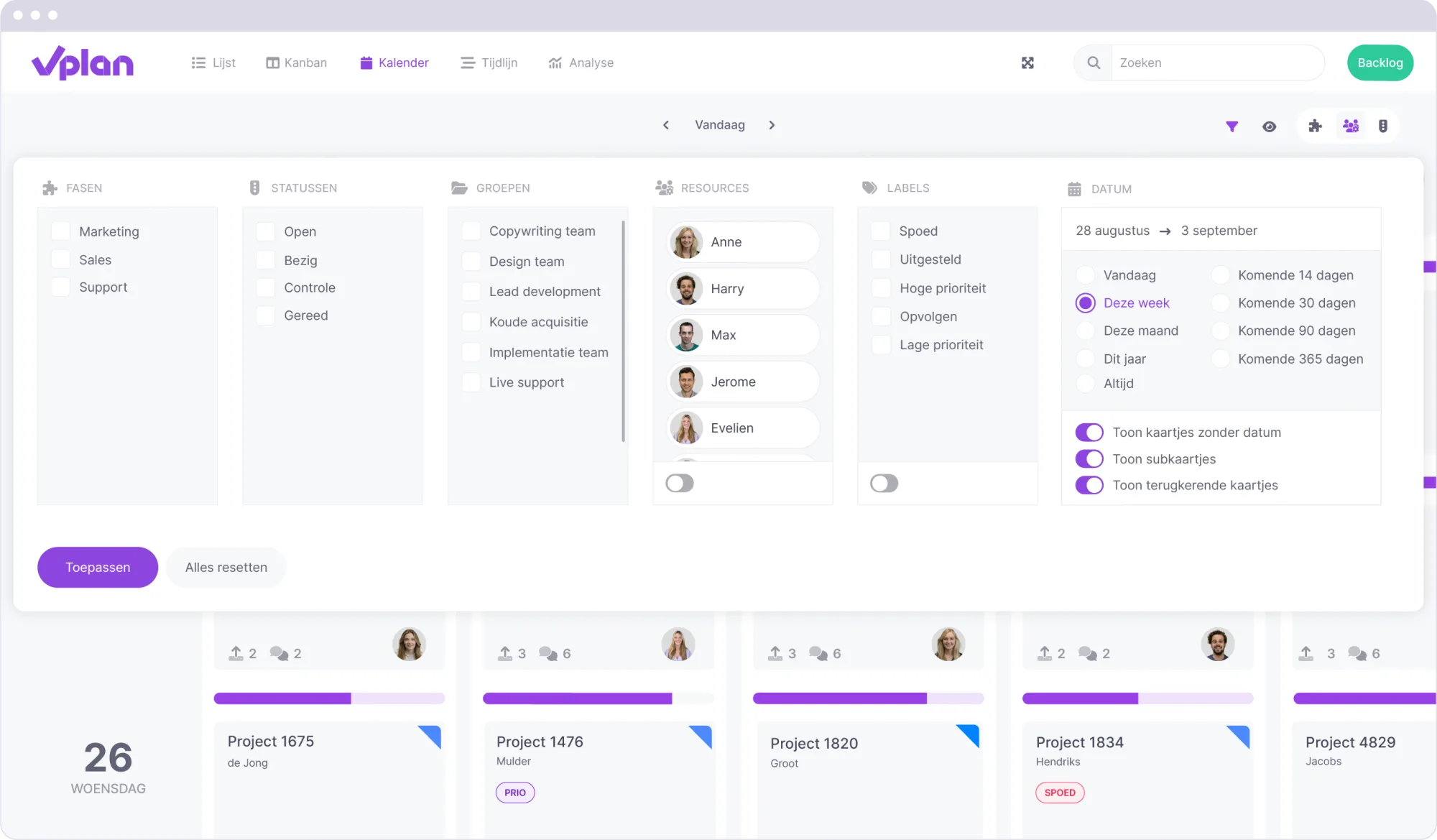
Resource capacity insights
Analyze the available capacity of your resources and determine which level of insight works best for your organization. This helps in planning efficiently and avoiding overload.
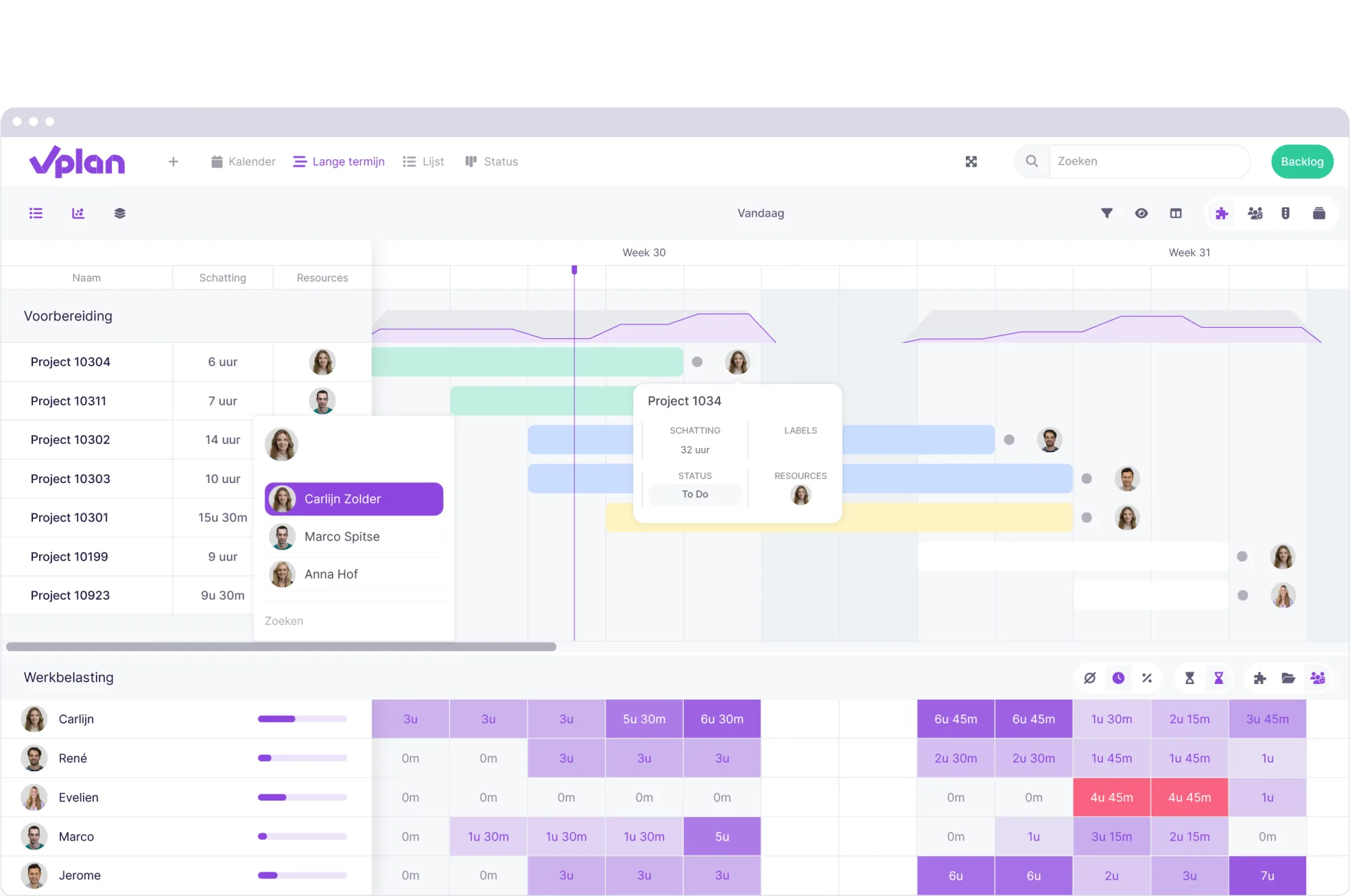
Sharing personalized views
Decide which views you want to share with planners, employees, or external parties. Test how filters and access permissions contribute to a personalized user experience. Would you like to share with everyone or specific users? Set this up via the shared view.
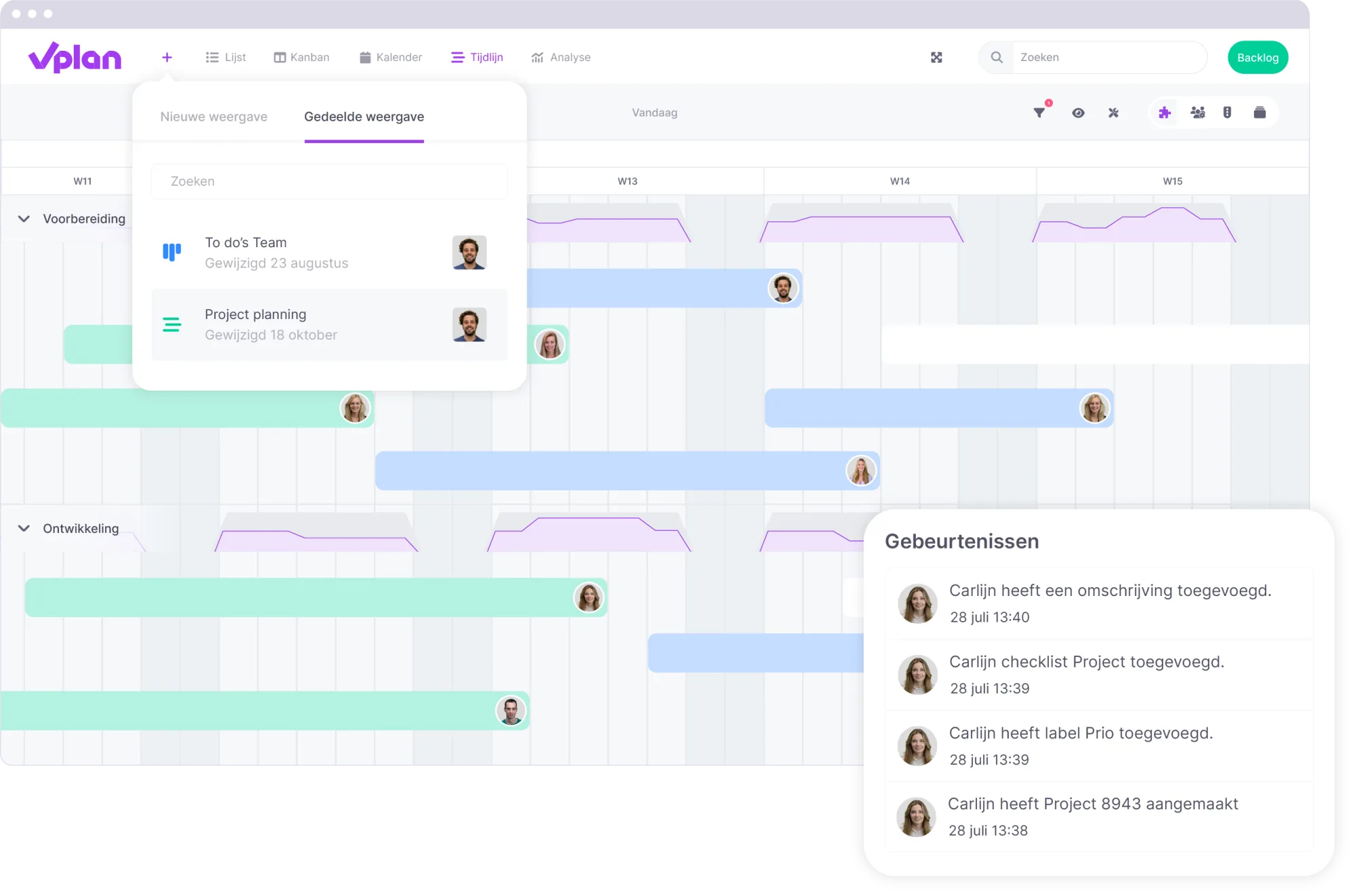
Sharing the plan on the workfloor
Consider how you want to communicate the plan to the workfloor. Do you want to use tablets, mobile devices, or a large screen? Ensure the necessary hardware is available and ready to use.
Getting started with a solid foundation
By following this checklist, you can confidently optimize vPlan for your organization. Take the time to test every component and discuss potential improvements with your team. A well-tested and thoughtfully configured setup ensures a smooth transition to the daily use of vPlan.
Do you have any questions or need additional support? Feel free to contact us – we’re happy to assist you, and we wish you the best of luck with implementing vPlan and improving your processes!
Try it in your own vPlan
Every new feature is in the free trial.