


vPlan AI is in beta -> Sign up now
With vPlan, you gain instant overview and peace of mind in your field service planning. No more loose Excel files, scattered messages or unclear handovers. Instead, one central platform for planning, job orders, hours and communication. This way, everyone knows exactly what's expected, and you can handle last minute-changes quickly and in a controlled way.

.svg)


Take a 2-minute interactive tour through the vPlan interface and see how easily you can manage complex schedules.
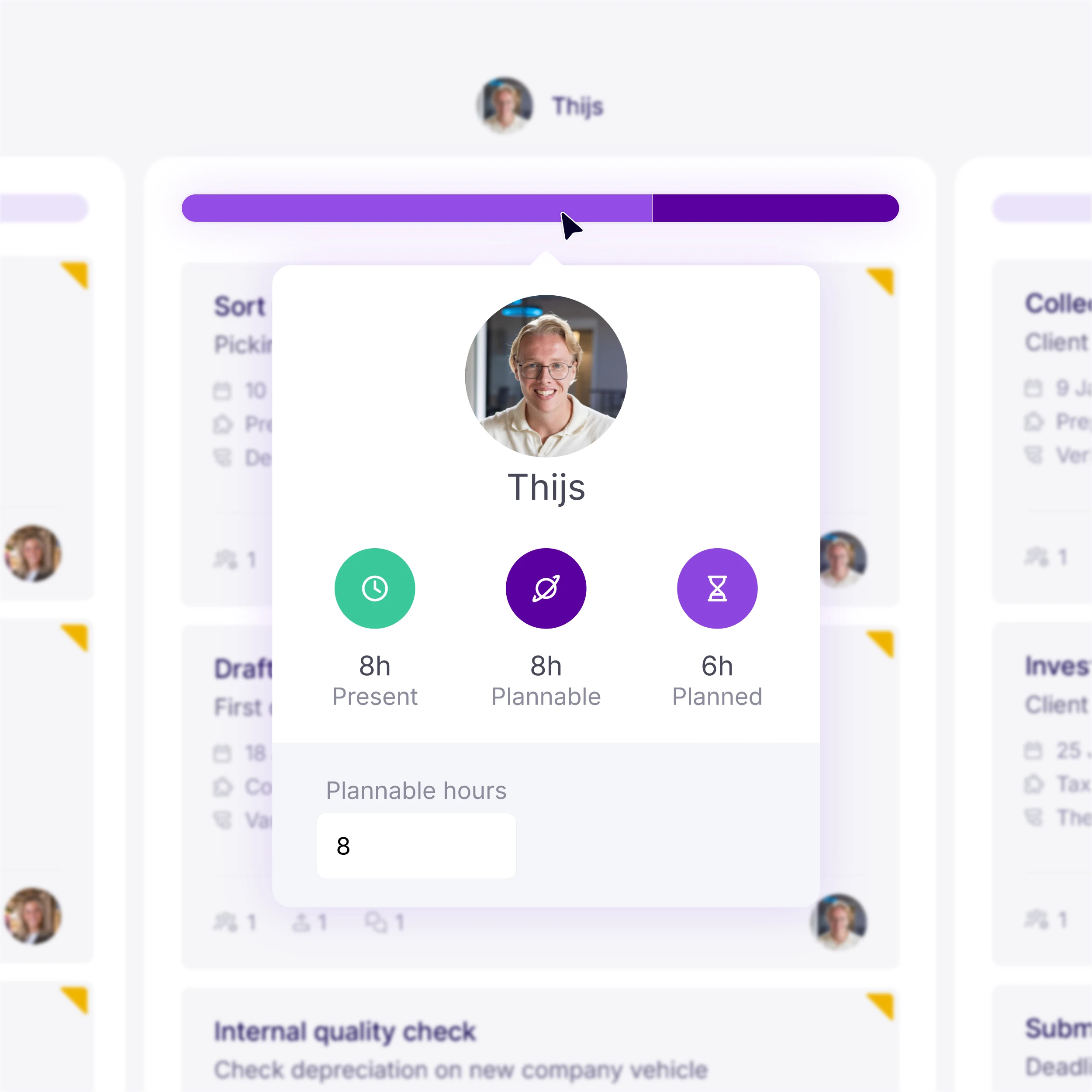
"Is that engineer already fully booked?" With vPlan you no longer need to ask that question.
You can immediately see who has availability and assign job orders to the right person with ease. The result: less stress, fewer backlogs and more efficient use of your capacity.
"What's the status of this job order? Wait... wasn't it supposed to be finished yesterday?"
Without a single central place for information, visibility is quickly lost. Field teams miss important details, planners find out too late that a job is running over, and changes are passed on via messages or phone calls. The result is dissatisfied customers, misunderstandings and constant disruption.
With vPlan, everyone works from one clear, shared job order. Field staff know exactly what needs to be done and can communicate progress or delays directly to the planning. Urgent jobs and changes are automatically shared via notifications, ensuring everyone always works with the same up-to-date information.
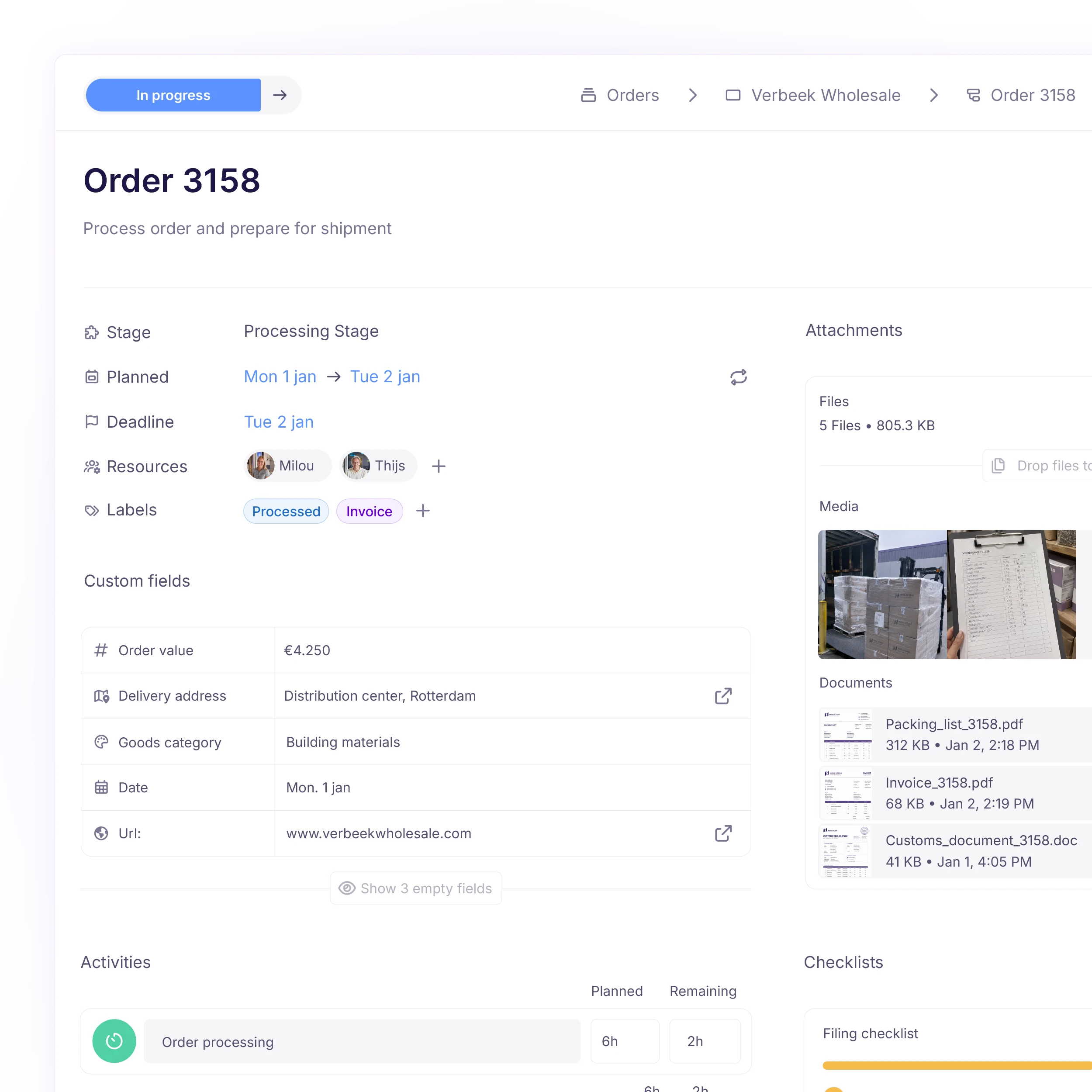
You'll probably recognise this: an engineer on site saying: "I've forgotten the paperwork," or "who carried out the repair last time?" As a planner, you want instant access to the full service history.
Meanwhile, planning is constantly on the phone, hours are filled in later from memory and photos end up scattered across WhatsApp and other channels. This leads to misunderstandings, extra administration and discussions with the customer.
With vPlan, your field team always has the latest schedule, digital job orders and documents at hand. Time tracking, uploading photos and getting work signed off all happen directly on site. This helps prevent errors and follow-up calls. On top of that, handovers are clear and everything is properly recorded for your customer.

"Oh no.. we've already been there, but the rooms haven't been measured."
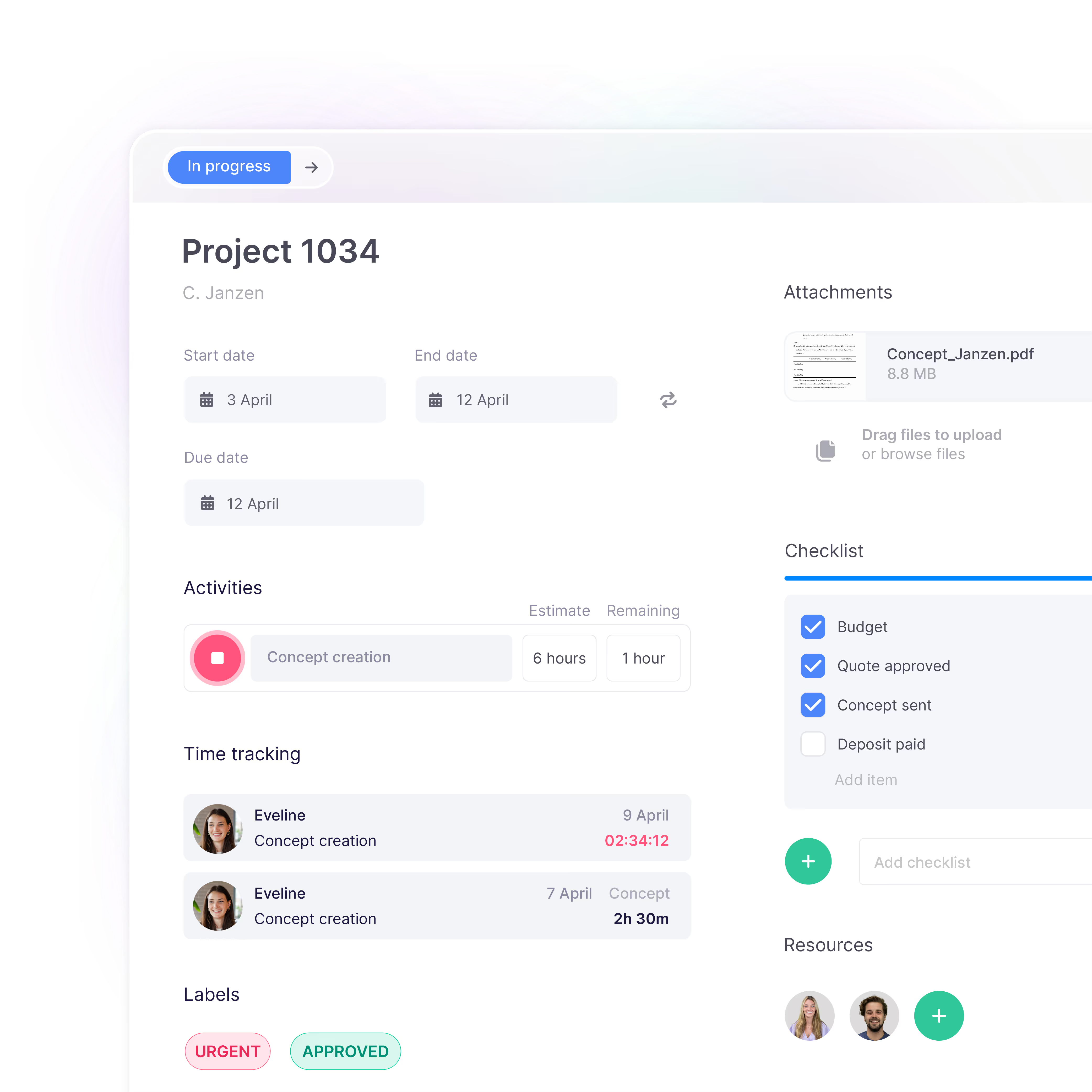
Without clear checklists or forms that are completed on the spot, missing information often only comes to light later. Measurements, photos or checks are forgotten, job statuses are incorrect, and someone has to return to site. This leads to wasted time, unnecessary costs and frustration.
With vPlan, engineers record everything while the work is being carried out. Hours, progress, photos, files and forms are captured immediately and linked directly to the job order. This gives you one complete, up-to-date overview per job and helps prevent rework.

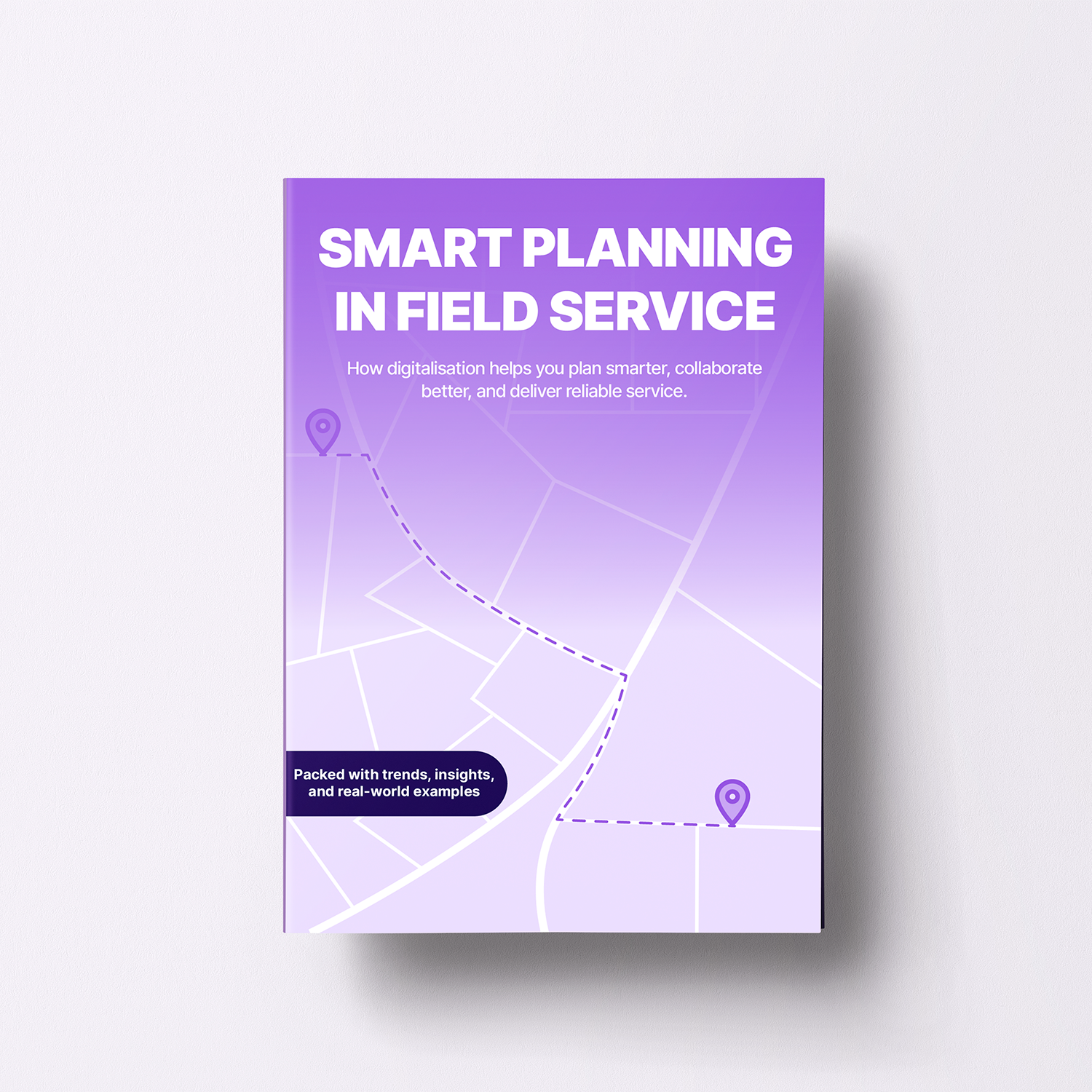
Discover a smarter way to organise your planning. Handle urgent jobs and last-minute changes with confidence, improve collaboration between planners and technicians, and get more from your team without added complexity. Packed with practical insights and actionable tips you can put into practice straight away.
Download e-bookRespond directly on tasks, use @mentions, and keep all communication in one place. No more scattered chats or emails.

Log hours worked per task or project and approve them with ease. This way, you stay in control of time and effort.

Work with your entire team in the same up-to-date planning, whether on desktop or in the app. Customise the view to your preference and see changes instantly.

Document all important information. Add files, checklists, or customer details. Everything your team needs is in your planning, all in one place.

In the dynamic world of property management and maintenance, Smits Vastgoedzorg has guaranteed result oriented services since 1925. As a specialist in planned maintenance, major maintenance, energy measures and various property services, the company schedules over 80 subcontractors with vPlan, something that requires crystal clear communication.

Planning that works doesn't have to be a challenge. With vPlan, you work smarter, not harder. From simple workflows to real-time collaboration.

vPlan is user-friendly field service software designed to help you manage field service teams efficiently. It enables you to schedule engineers and service staff, maintain clear oversight of ongoing jobs, and ensure everyone has the right information while working on site.
vPlan makes service planning clear and flexible. You can instantly see staff availability, assign jobs quickly, and avoid scheduling conflicts. This helps improve customer service while saving valuable time in the office.
Yes, vPlan includes a practical work order app that allows field service employees to complete digital work orders, add photos, and access customer details directly on location. This removes the need for paperwork and keeps everything in one central system.
vPlan is ideal for organisations working with service engineers, installers or technical field teams. Whether you operate in maintenance, installation or breakdown services, our field service planning helps you work more efficiently and professionally.