


Coming soon! vPlan AI - Driven by people -> Discover more
Capturing information and documentation is essential for a smooth process. In practice, however, it is often fragmented: multiple ways of working, separate forms, or information spread across different tools.
With forms in vPlan, you can easily digitise checklists, registrations and questionnaires that align with your processes. Think of a inspection checklist, material registration or handover form. With vPlan forms, everything is centrally available via desktop and mobile app.

.svg)


When employees record information in different ways, confusion quickly arises. Important data goes missing, forms get lost, or are not linked to the correct tasks. This makes it difficult to maintain quality and properly track processes.
With forms in vPlan, everything is recorded directly in the right place. Forms are automatically linked to work orders, jobs or projects, ensuring all information is centralised and complete. Employees can easily fill in forms, whether in the office or on the go via the mobile app.

Many standard forms do not align well with how your organisation works. As a result, forms are adjusted, partially skipped, or still maintained outside the system. The outcome: incomplete information and additional administrative work.
In vPlan, you can easily create your forms, fully customised to your processes. Whether for inspections, calculations, quality checks or on-site registrations. You can be sure employees always capture the right information. Structured, centralised and easy to retrieve.

When data from forms needs to be manually transferred into other systems, it takes time and increases the risk of errors. Information arrives late or has to be entered twice, slowing down processes.
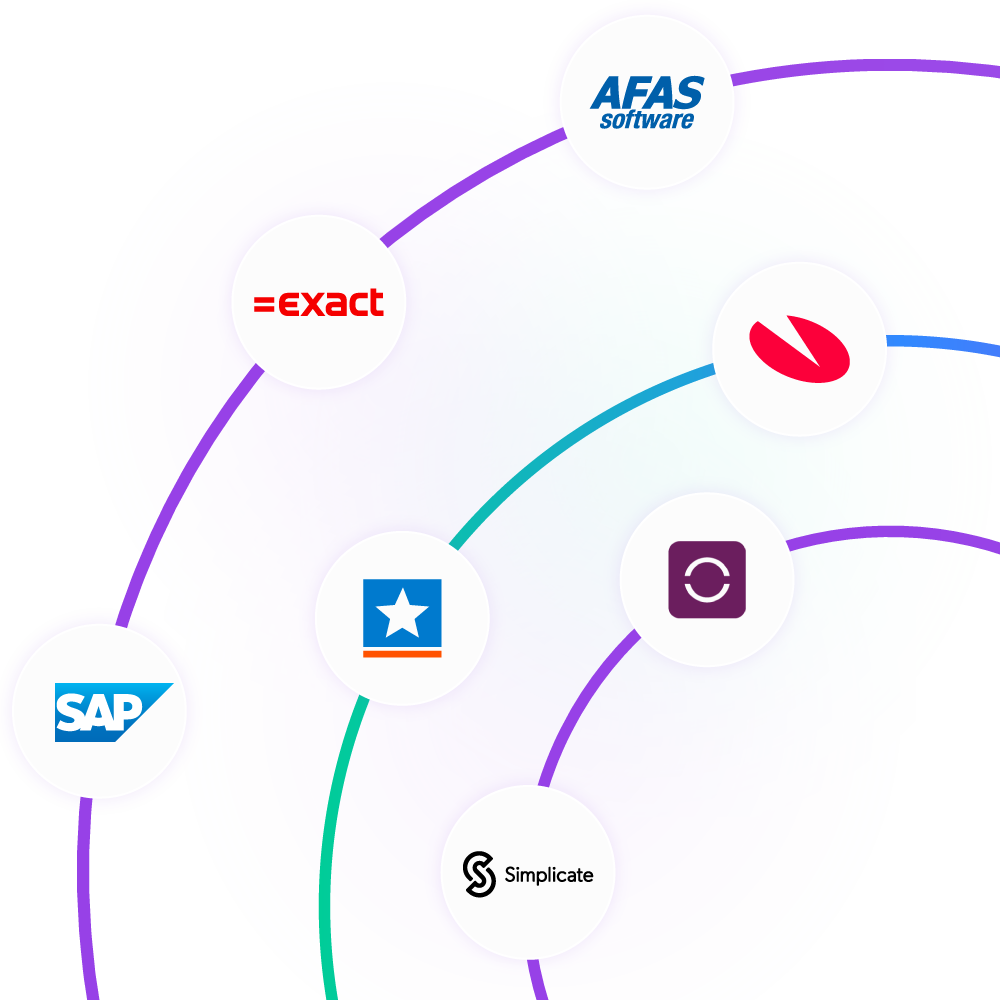
With vPlan, form data becomes a direct part of your workflow. Projects from your ERP automatically retrieve the correct forms, and once completed, data is instantly sent back to your back office. This keeps all information up to date and actionable.
Information is often recorded later, for example when employees return to the office. As a result, details are lost, forms pile up, or administration is completed afterwards.
With vPlan, information is captured at the moment the work is carried out. Using the mobile app, employees can complete forms on site via tablet or smartphone. Even without an internet connection, work continues uninterrupted. Once reconnected, everything is synchronised automatically.
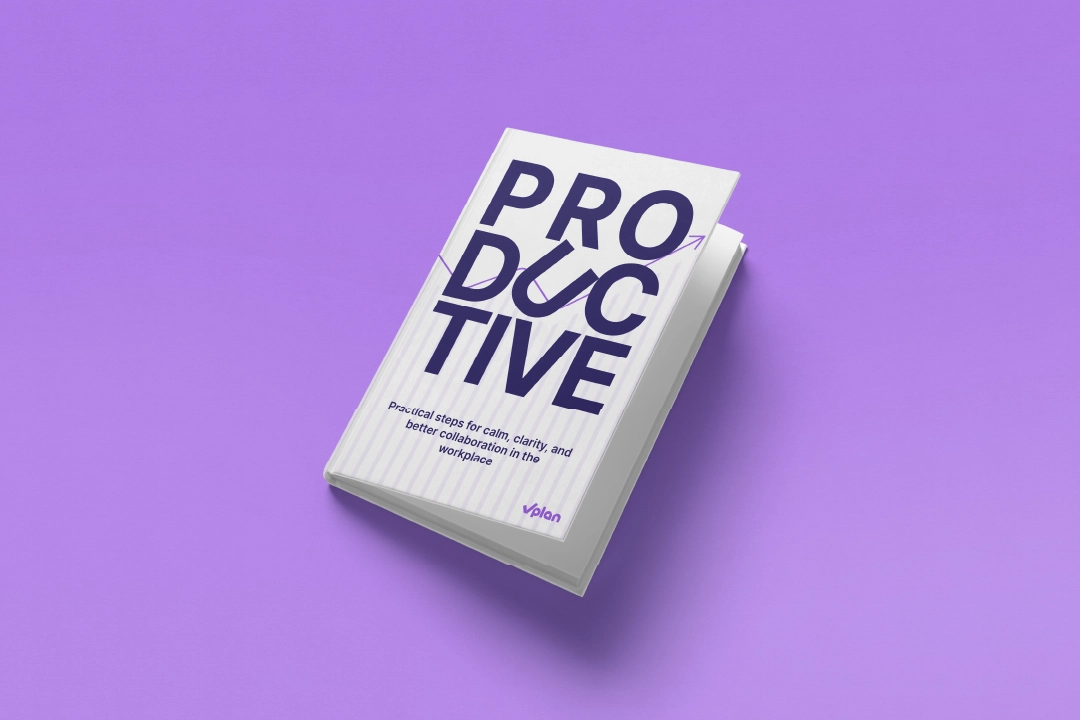
In this e-book, you will discover a practical approach that helps you work smarter, plan better, and perform more strongly as a team. No theory, but directly applicable insights that allow you to make a difference from today onwards.
Download e-bookRespond directly on tasks, use @mentions, and keep all communication in one place. No more scattered chats or emails.

Log hours worked per task or project and approve them with ease. This way, you stay in control of time and effort.

Via tablet, PC or app, employees can see what they need to do and where they are in the process.
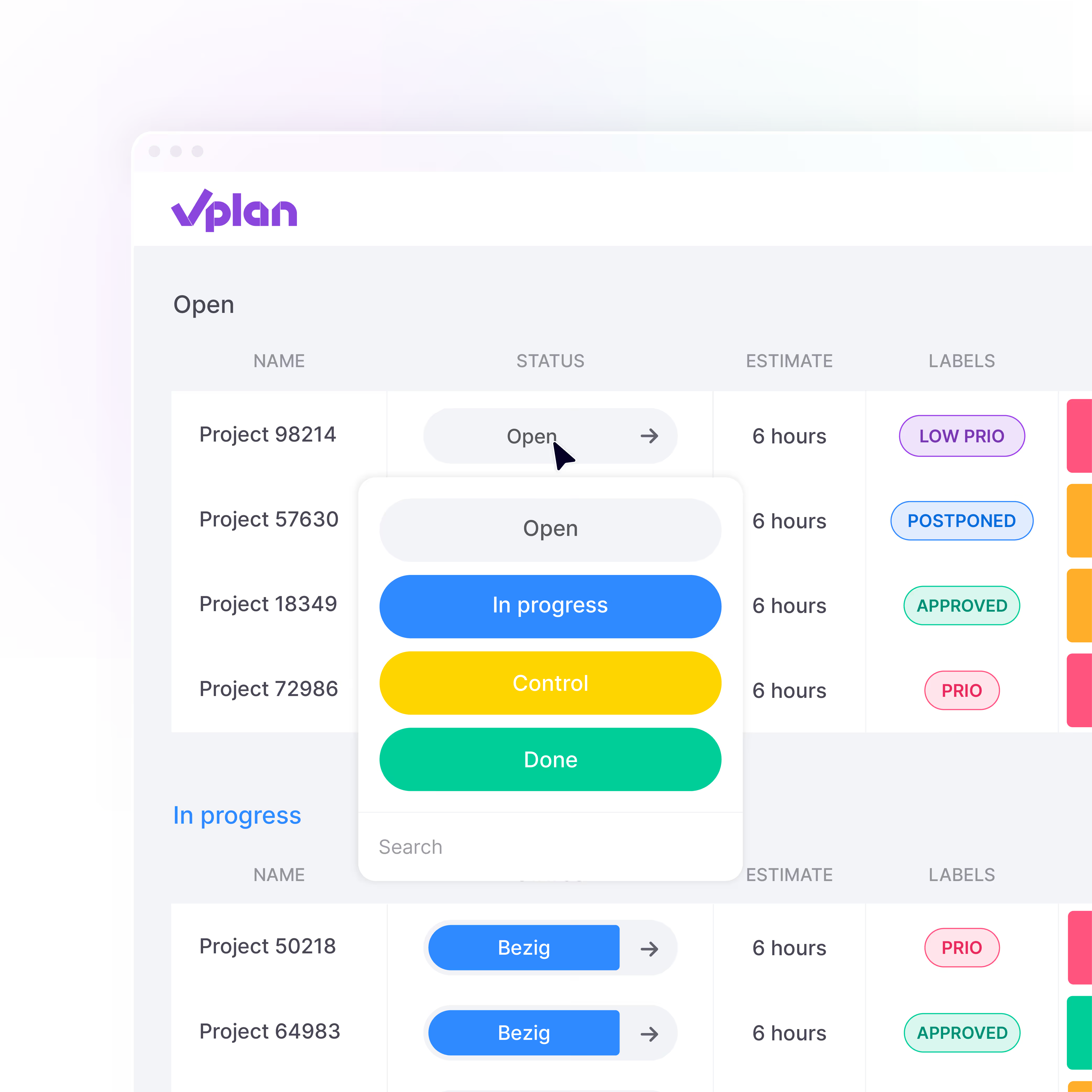
Document all important information. Add files, checklists, or customer details. Everything your team needs is in your planning, all in one place.
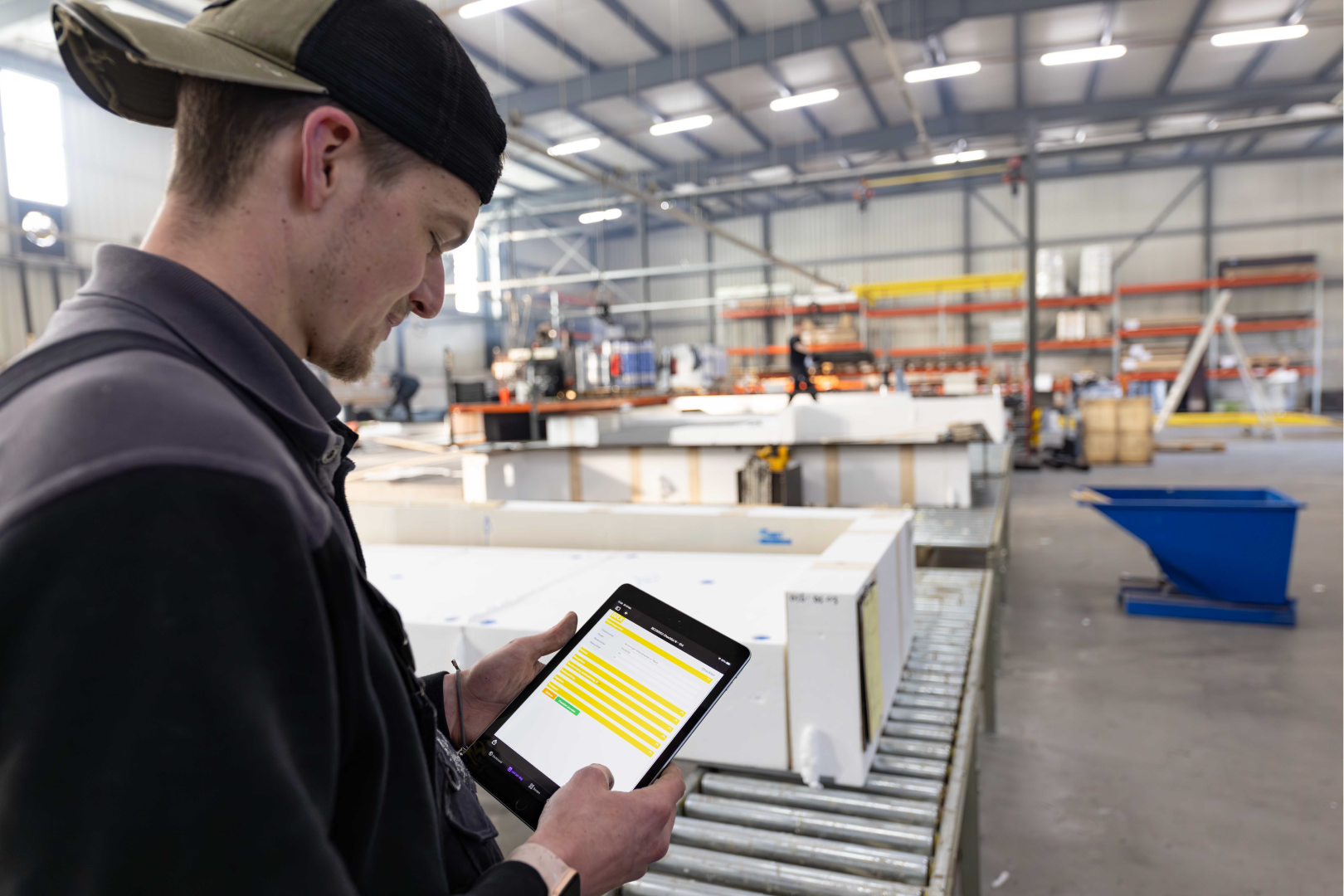
Bouwdeck works with roof elements every day that must be assembled and inspected according to a fixed process. Accurate documentation is essential, especially in light of the requirements of the Dutch Quality Assurance Act for Building (Wkb). By using forms in vPlan for production, material registration and Wkb compliance, Bouwdeck has digitalised its entire quality process.

See for yourself how vPlan helps you collaborate more efficiently, save time, and achieve better results. During the demo, you’ll receive practical insights and answers to your questions.

With vPlan, you can create virtually any type of form that fits your processes. This includes inspection checklists, work orders, handover forms, quality checks, material registrations or safety forms. You are not limited to standard templates. You can fully customise forms using different field types, such as dropdowns, text fields, photos, signatures and GPS locations. This ensures your forms always match the way your organisation works.
Yes, forms in vPlan can be used fully offline via the mobile app. Employees can continue completing forms on site, even without a connection. As soon as an internet connection is available again, all data is automatically synchronised. This ensures no information is lost and everything remains up to date.
Forms are automatically linked to the correct work order, tasks or project within vPlan. This is based on your planning or integration with your ERP system. There is no need for manual linking, ensuring all information is stored in the right place. This provides full visibility, reduces errors and makes it easy to retrieve information later.
Yes, vPlan integrates seamlessly with ERP and back office systems. Data entered into forms is automatically transferred to your other systems. This eliminates duplicate data entry and ensures information is immediately available for administration, invoicing or reporting. You can also set up workflows that automatically trigger actions, such as sending reports or notifications.
By ensuring everyone works with the same forms and processes, information is captured consistently and completely. Required fields prevent important data from being missed. You also gain full visibility into work execution, including evidence such as photos and signatures. This makes it easier to maintain quality, perform audits and continuously improve processes.
Yes, all forms are stored centrally and linked to the relevant project, work order or task, making them easy to find whenever needed. Forms can also be automatically converted into professional PDF reports, which can be easily shared with customers or colleagues. This ensures you always have clear and complete documentation at hand.