


Coming soon! vPlan AI - Driven by people -> Discover more
Compare vPlan
Curious how vPlan holds up against Asana, monday.com, ClickUp and the rest? Pick a tool below and see where the differences actually matter — capacity, process and the systems you already run on.
Side by side
Why teams switch
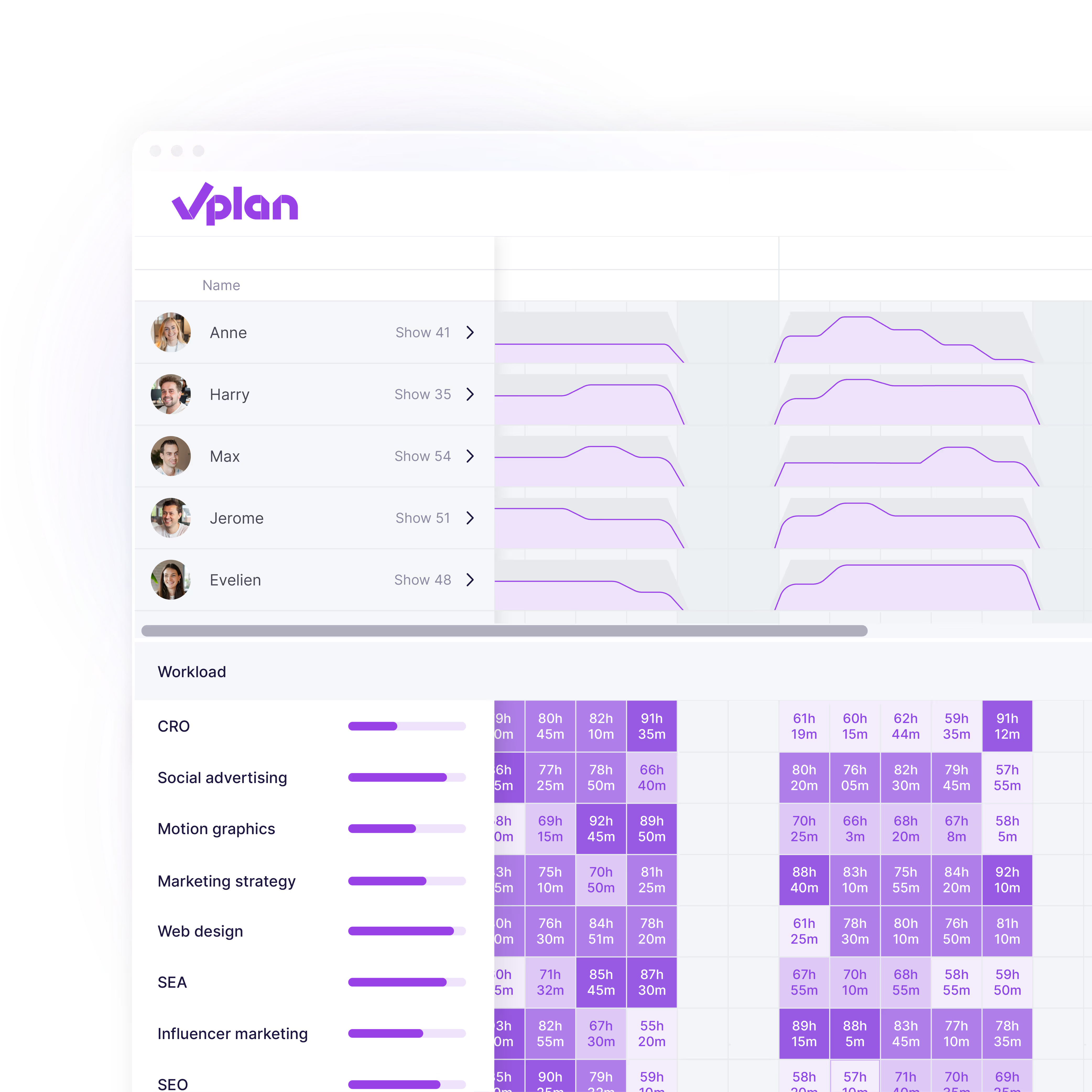
See how much work is already scheduled, who has room and where bottlenecks form — before you commit a date. Task tools show you status; they don’t show you whether the week is achievable.
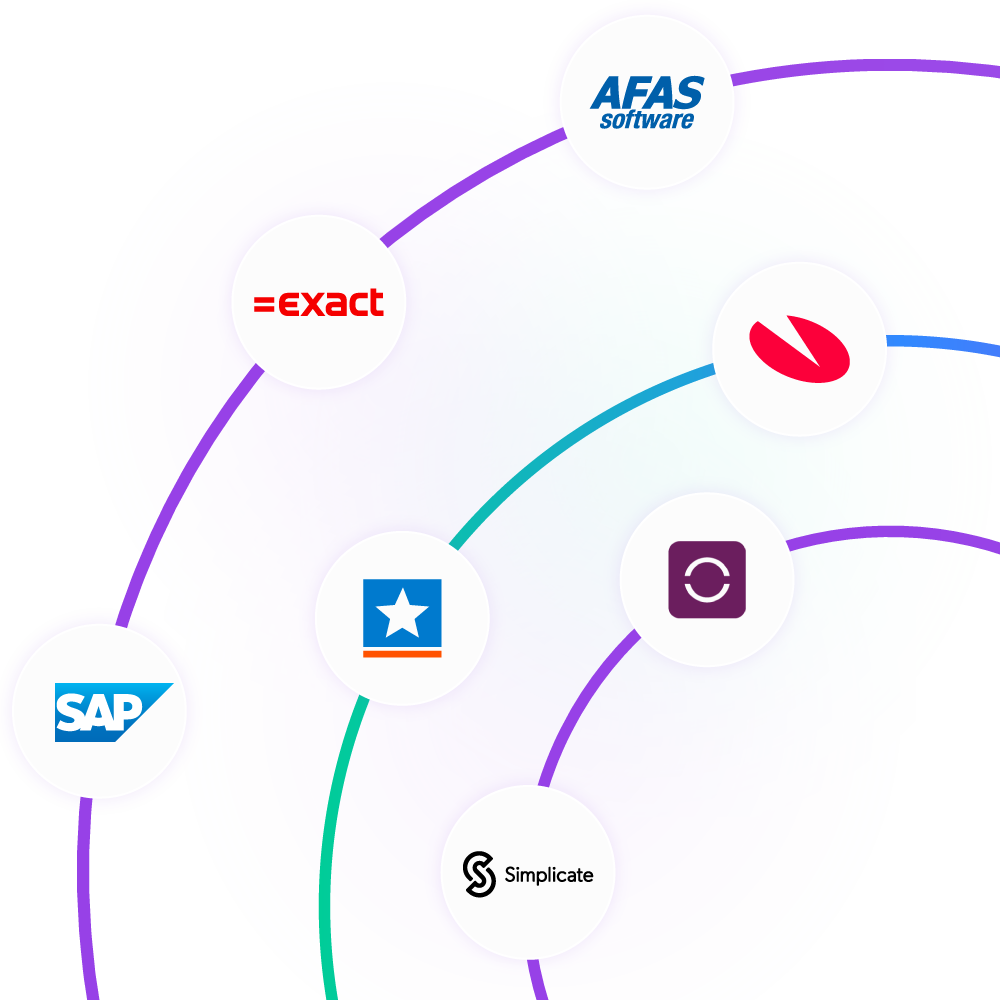
Exact, AFAS, Visma, SnelStart, Simplicate and more. Projects, orders and hours sync automatically instead of being retyped — and support speaks your language.
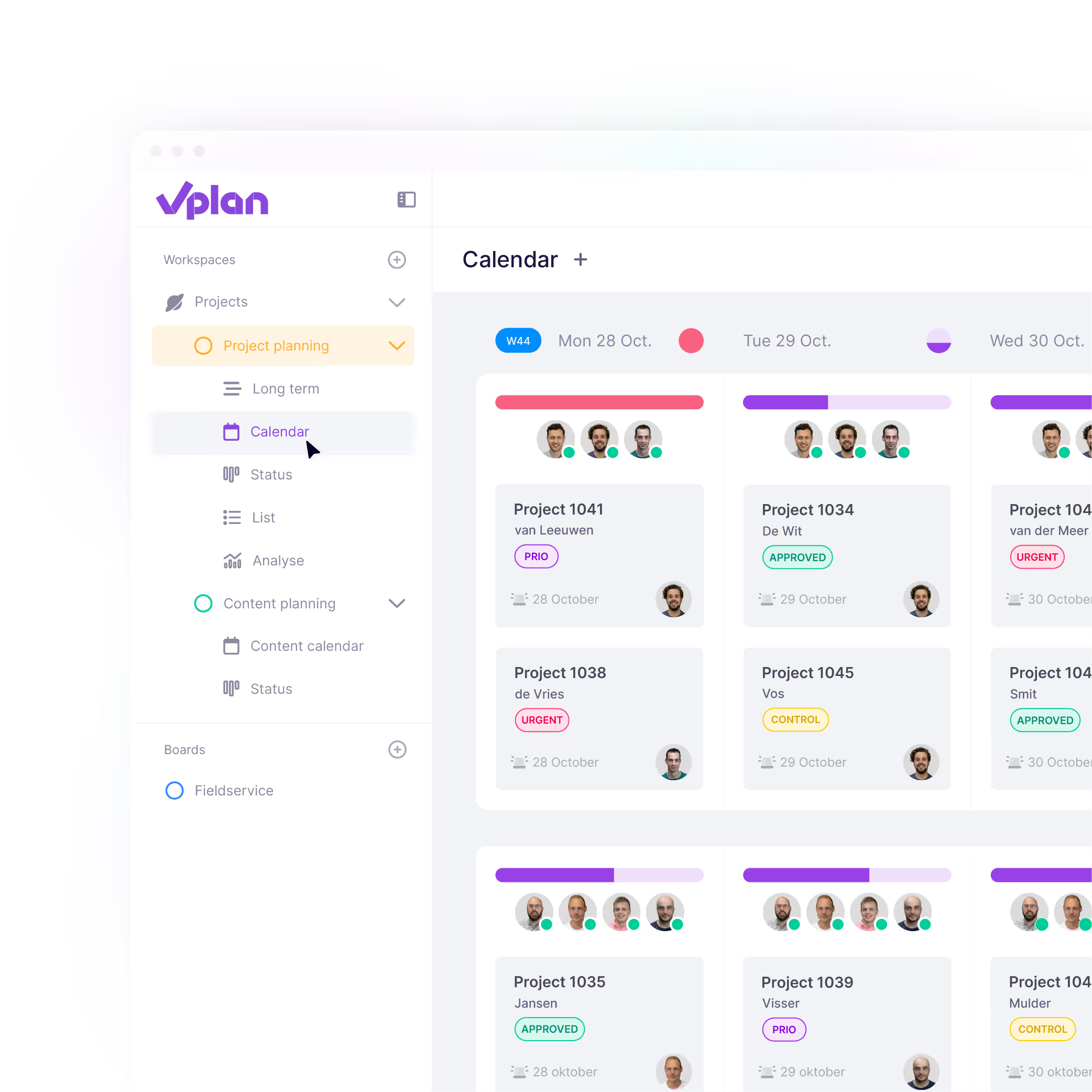
From request and backlog through execution to progress, in one overview. You see what is achievable and where to steer, rather than piecing it together from separate boards.
Security
Where a tool stores your data is a procurement question, not a footnote. vPlan is built for European organisations and hosted accordingly.
More about securityData is stored and processed within the European Union.
Processing follows the GDPR, with a processing agreement available.
Hosting in ISO 27001-certified data centres.


FAQ
Task tools are built to track what has to be done. vPlan is built to answer whether it can be done — who has room, what the workload looks like and where a deadline is going to slip. If your planning question is “is this week achievable?” rather than “what is the status?”, that is the difference.
It depends on what you are missing. Those tools are strong at organising tasks and deadlines. Teams move to vPlan when they need capacity, workload and the whole process in one place, and when the planning has to reflect what is actually happening in the business. Pick a tool above for a side-by-side.
Yes. vPlan integrates with Exact, AFAS, Visma, SnelStart, Simplicate, SAP Business One and more, so projects, orders and hours stay in sync instead of being retyped. The integrations page has the full list.
In most cases, yes. How much can be carried over depends on where your planning lives today and how it is structured, so it is worth a short conversation — our consultants go through it with you and help set vPlan up around your way of working.
Within the European Union, in ISO 27001-certified data centres, and processed in line with the GDPR. A processing agreement is available on request.
Yes — 14 days with full access to every feature, no credit card and no obligations. Ready-made templates mean your first board is set up in minutes.
Planning that works doesn't have to be a challenge. With vPlan, you work smarter, not harder. From simple workflows to real-time collaboration.