


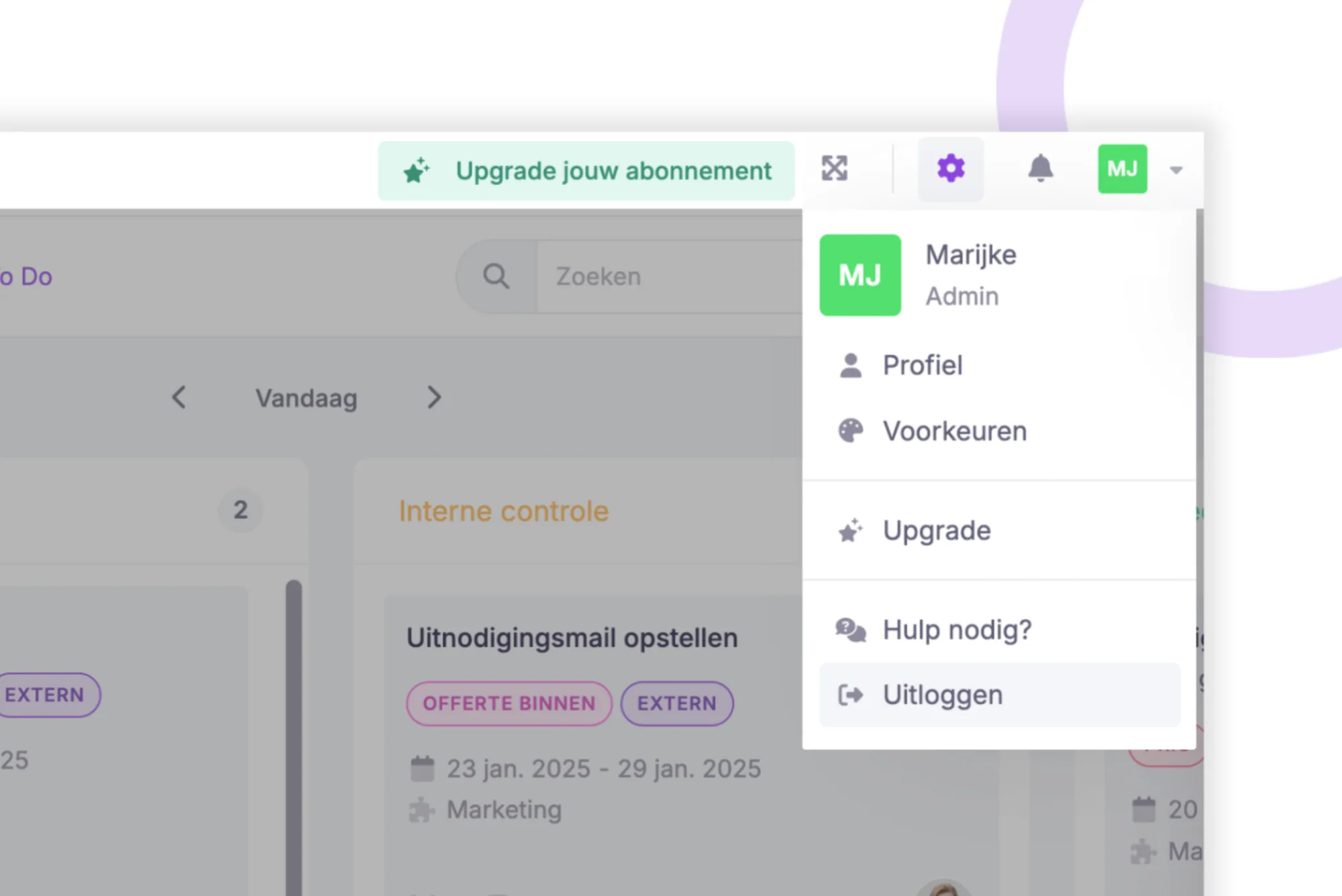
Simplified Navigation with Our Updated Menu 🛣️
We’ve updated our menu! While the items remain the same, they’ve been reorganised into a more logical layout. For instance, (user) settings and notifications are now located in the top-right corner, making everything easier to find. You can now invite users effortlessly, and they will appear in the bottom-left corner.
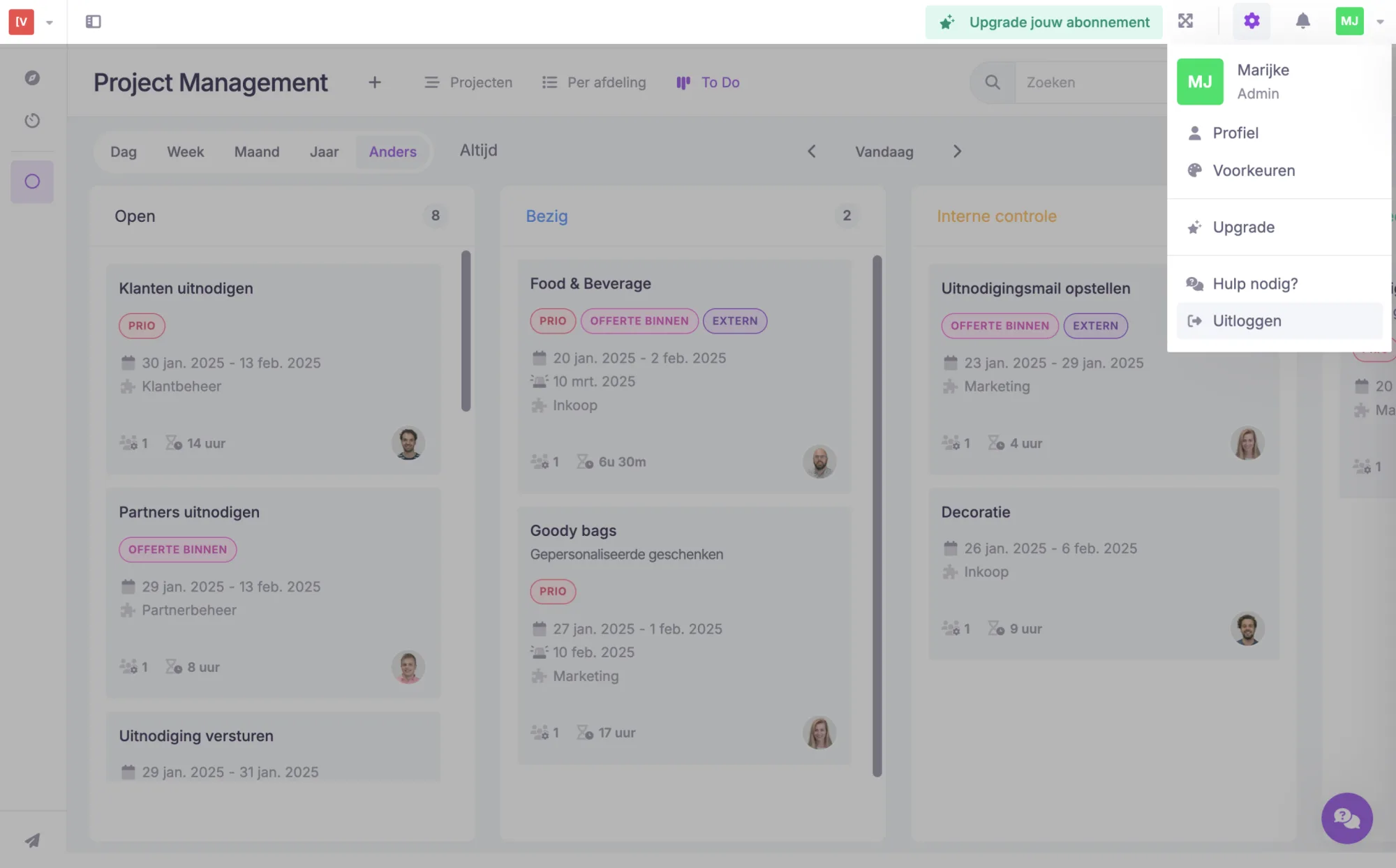
This new, logical structure also makes room for future developments. Stay tuned for what’s coming next! 🚀
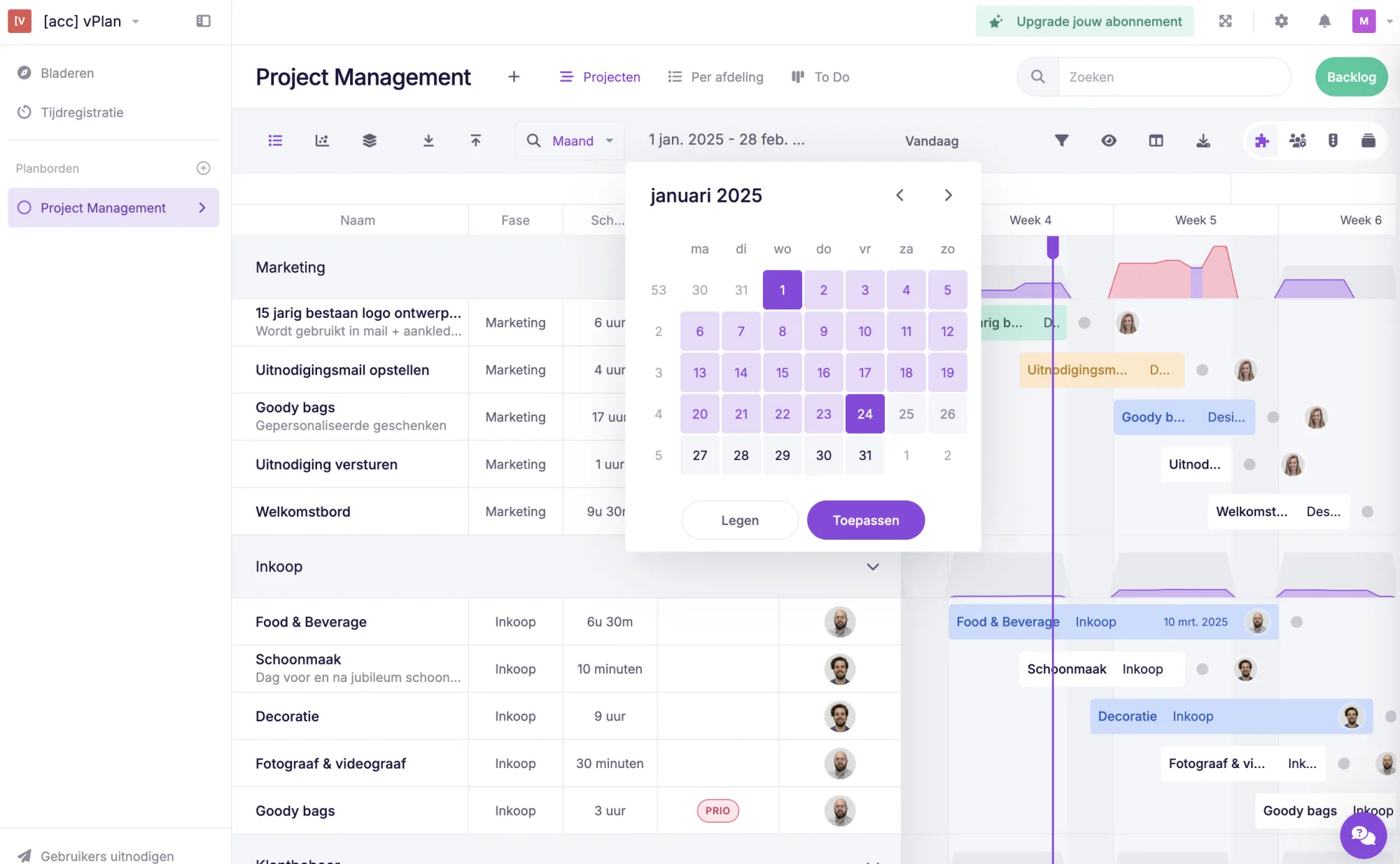
Select Your Desired Period More Easily 🎯
Selecting periods is now even simpler. With just one click, you can choose a specific day, week, month, or date—no matter which view you’re in. Fewer steps and faster switching between periods!
Never Miss Out: Sign Up for the Newsletter 📩
Want to stay informed about new developments? Subscribe to our newsletter! Go to your user settings and check the box. That way, you’ll always be in the loop! 🚀
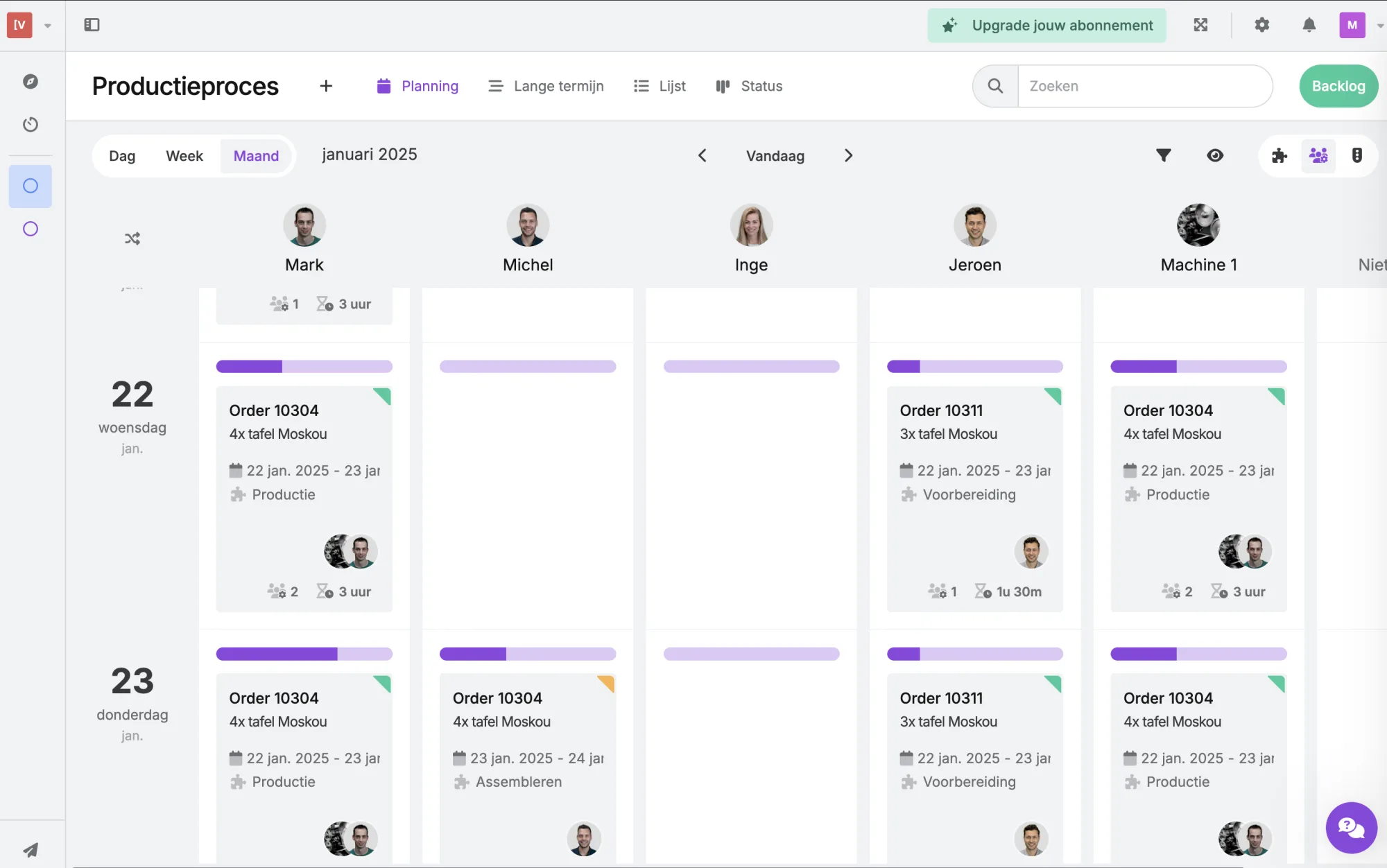
Improved Grey Colour Theme 🩶
The grey colour theme has been refreshed! The grey tones are now bolder, making everything clearer and more visible.
This release makes working with vPlan even easier and faster. Don’t have vPlan yet? Introduce it to your organisation and create clarity. Collaborate more effectively. Try it free for 14 days!
Try it in your own vPlan
Every new feature is in the free trial.



