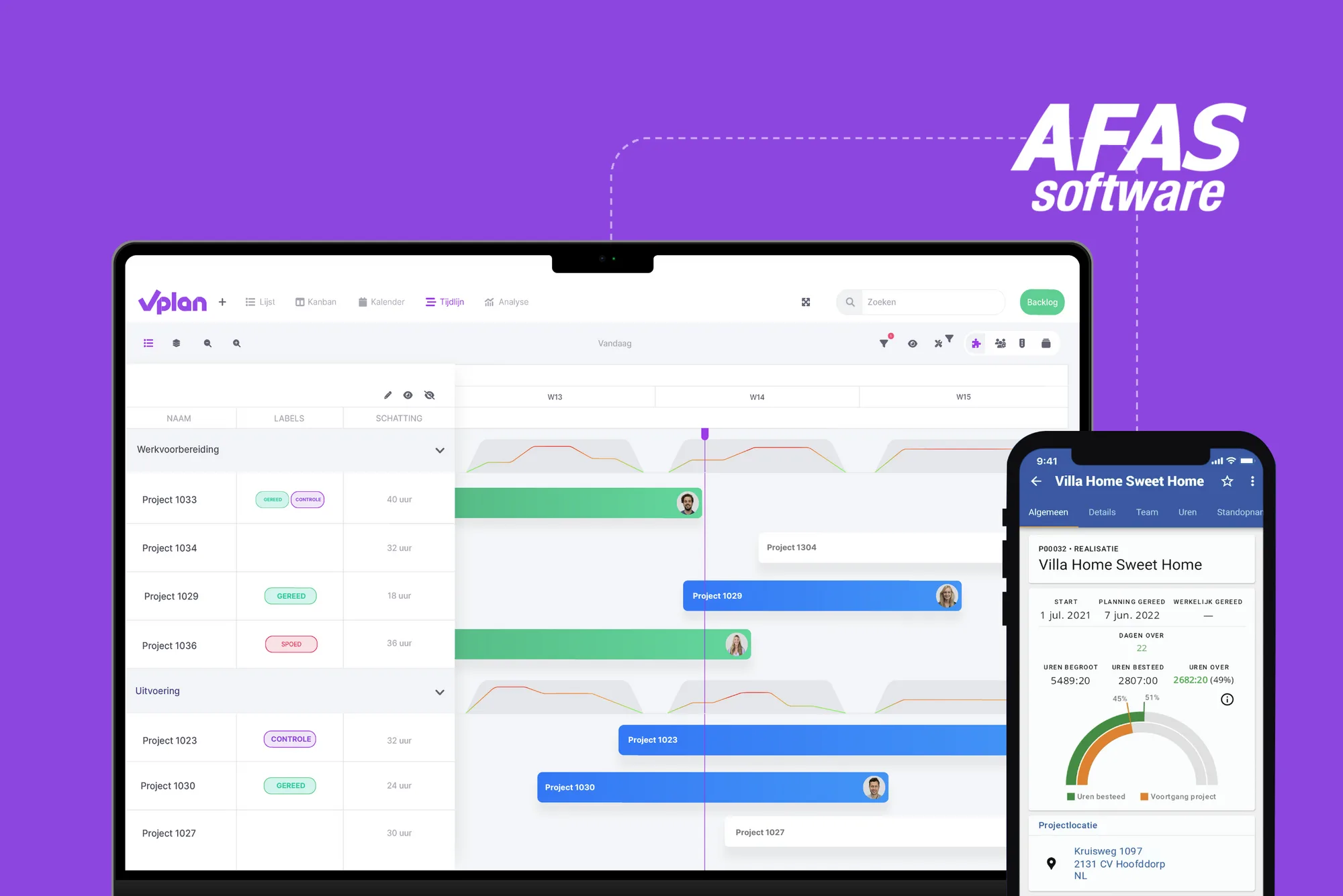
Why plan work from AFAS with vPlan?
With vPlan, you can schedule orders and projects from AFAS with all the essential job information within a visual scheduling board. All information is seamlessly transferred, eliminating double data entry and the risk of errors. Scheduling tasks and employees becomes much more efficient and simpler, but also just a lot more enjoyable.
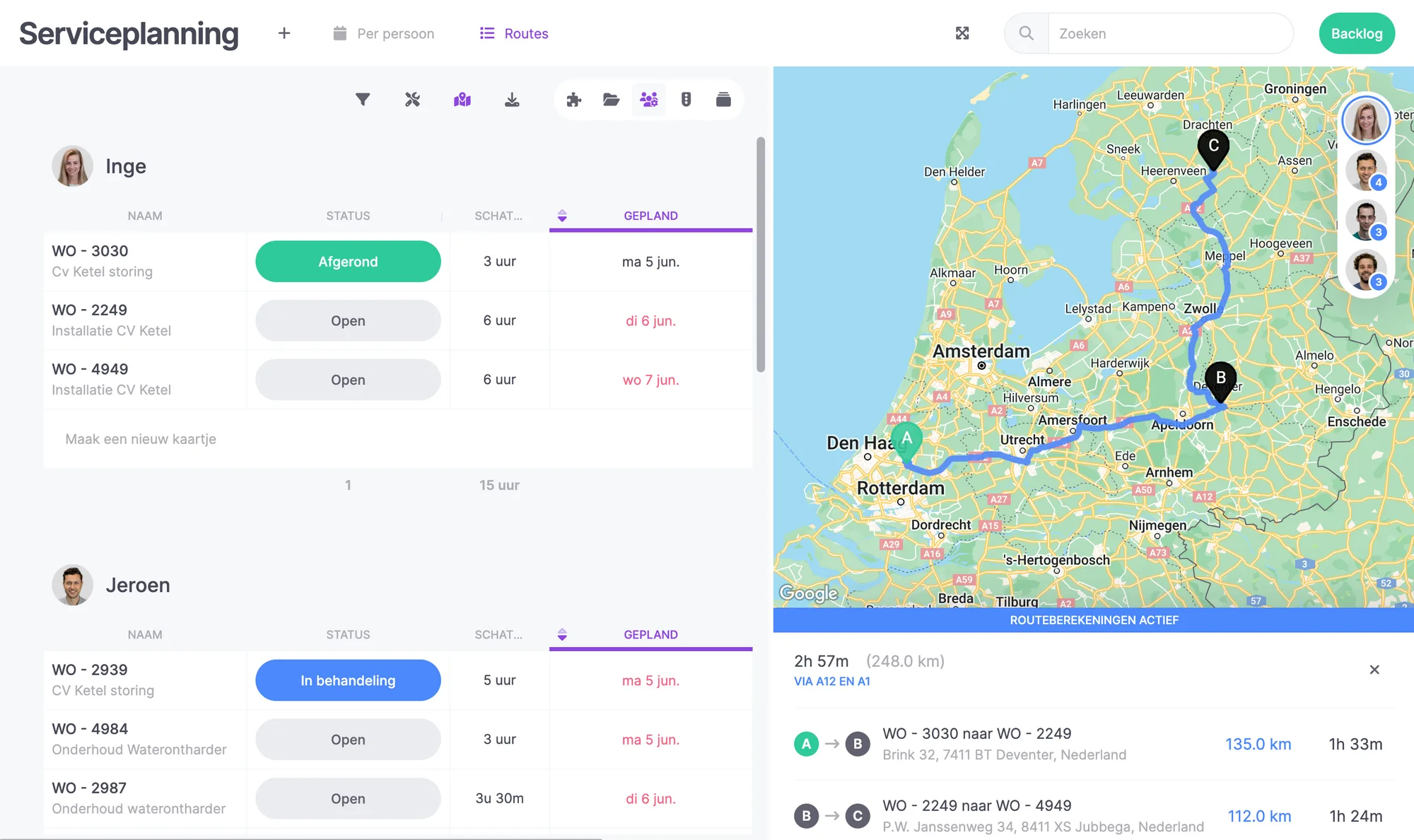
Thanks to the visual scheduling, you gain immediate insight into the available capacity. Any changes in the schedule prompt automatic notifications, ensuring you always maintain visibility over the planning.
How does the integration between vPlan and AFAS work?
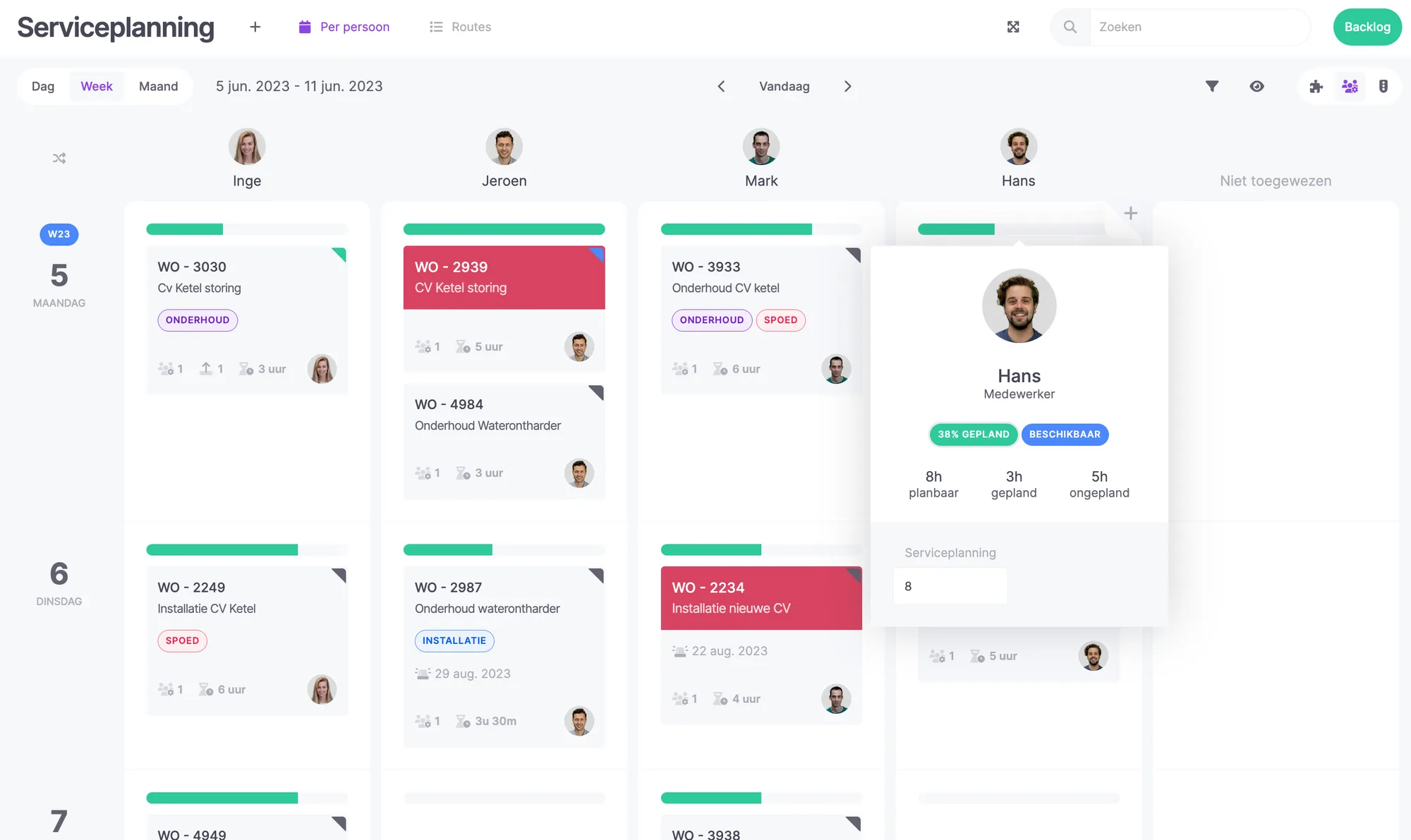
Projects, orders, or vouchers are initially created in AFAS. Thanks to the integration, the task is automatically loaded into vPlan, appearing as plan cards in vPlan's backlog. As a planner, you can instantly see which tasks still need to be scheduled. This can be done through the convenient drag-and-drop feature or by assigning a date to the plan card.
The information from AFAS is automatically sent to vPlan. Fields such as project number or voucher number, customer details, materials, employees, types of work, and pre-calculation are included. In vPlan, you can then easily plan on an individual level and based on available capacity. Leave and absence of your employees are also imported from AFAS. You can instantly see which employees are still available on which days and times.
Complete work orders in one app - AFAS Pocket
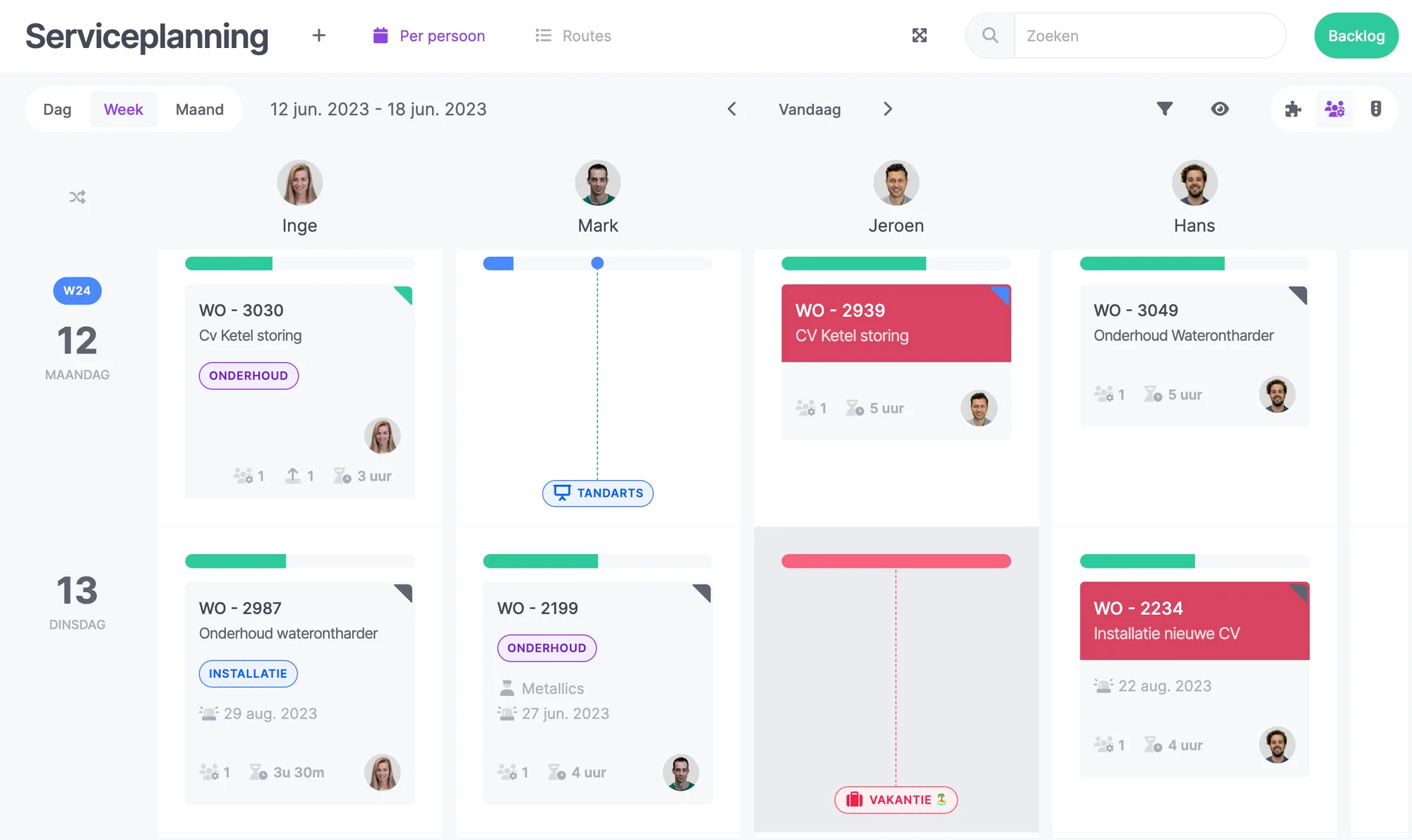
Once a plan card is scheduled and linked to an employee, the AFAS Pocket of the respective colleague is updated. Upon opening the app, they see all the necessary information they need to start working. The scheduling of tasks is done in vPlan; the Pocket is solely for execution. The scheduled work appears in the Pocket of the appropriate person. Employees only see their own scheduled work.
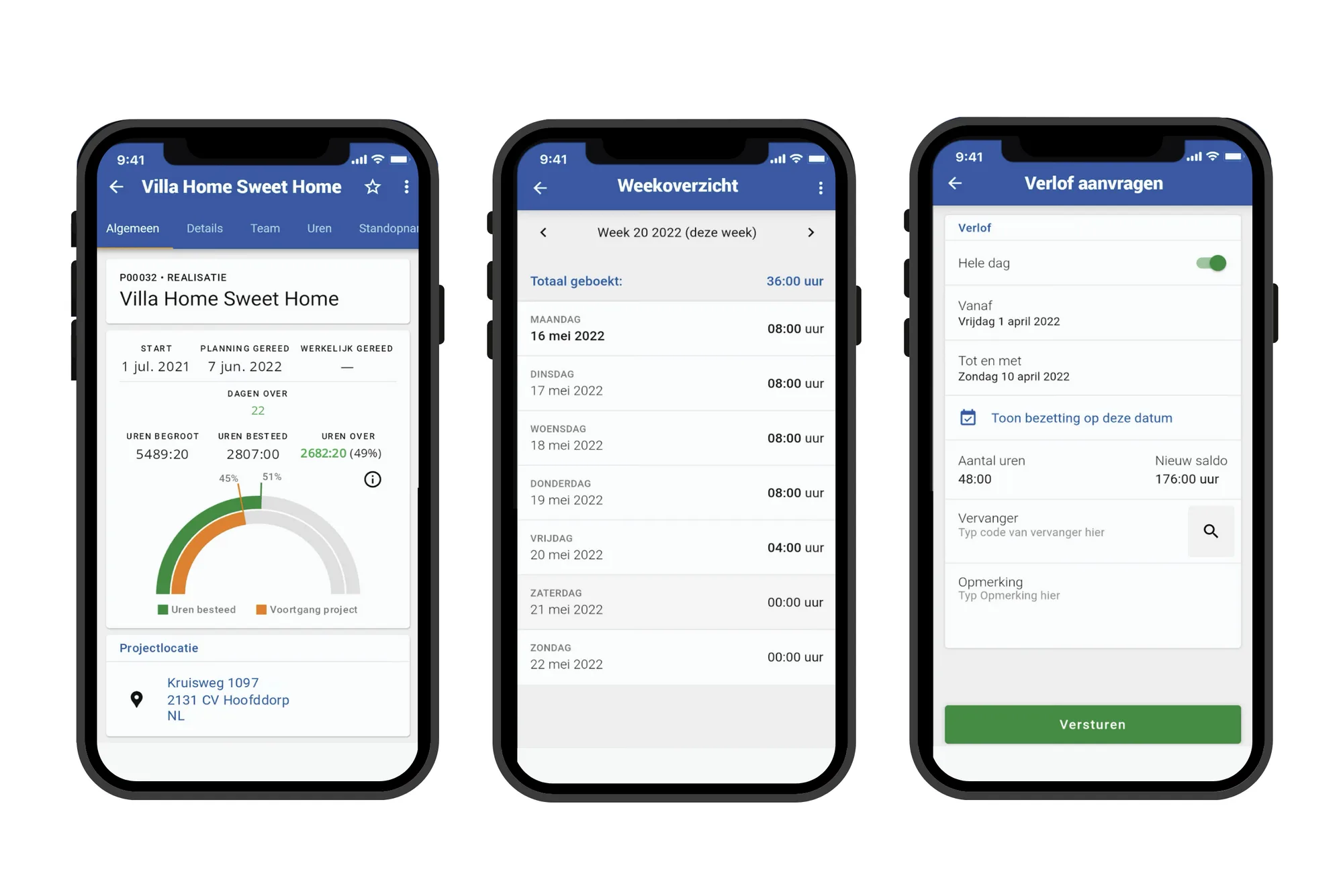
For your field service employees or hired freelancers, the collaboration between vPlan and the AFAS Pocket is a godsend. They can easily perform various actions, such as:
- Registering leave and absences;
- Changing statuses;
- Recording hours;
- Viewing payslips;
- Creating work orders;
- Registering materials.
Our robust collaboration in a nutshell
Want to learn more about our solution on top of AFAS? Then watch the video below and discover in less than 5 minutes why the collaboration between vPlan and AFAS is so strong.
vPlan provides MSG with more overview and time savings.
Previously, MSG scheduled using Word and Excel, leading to a lot of chaos in the workplace. Now, MSG plans paperlessly with vPlan using AFAS. Curious about how they do this? Read their story here!

Try it in your own vPlan
Every new feature is in the free trial.