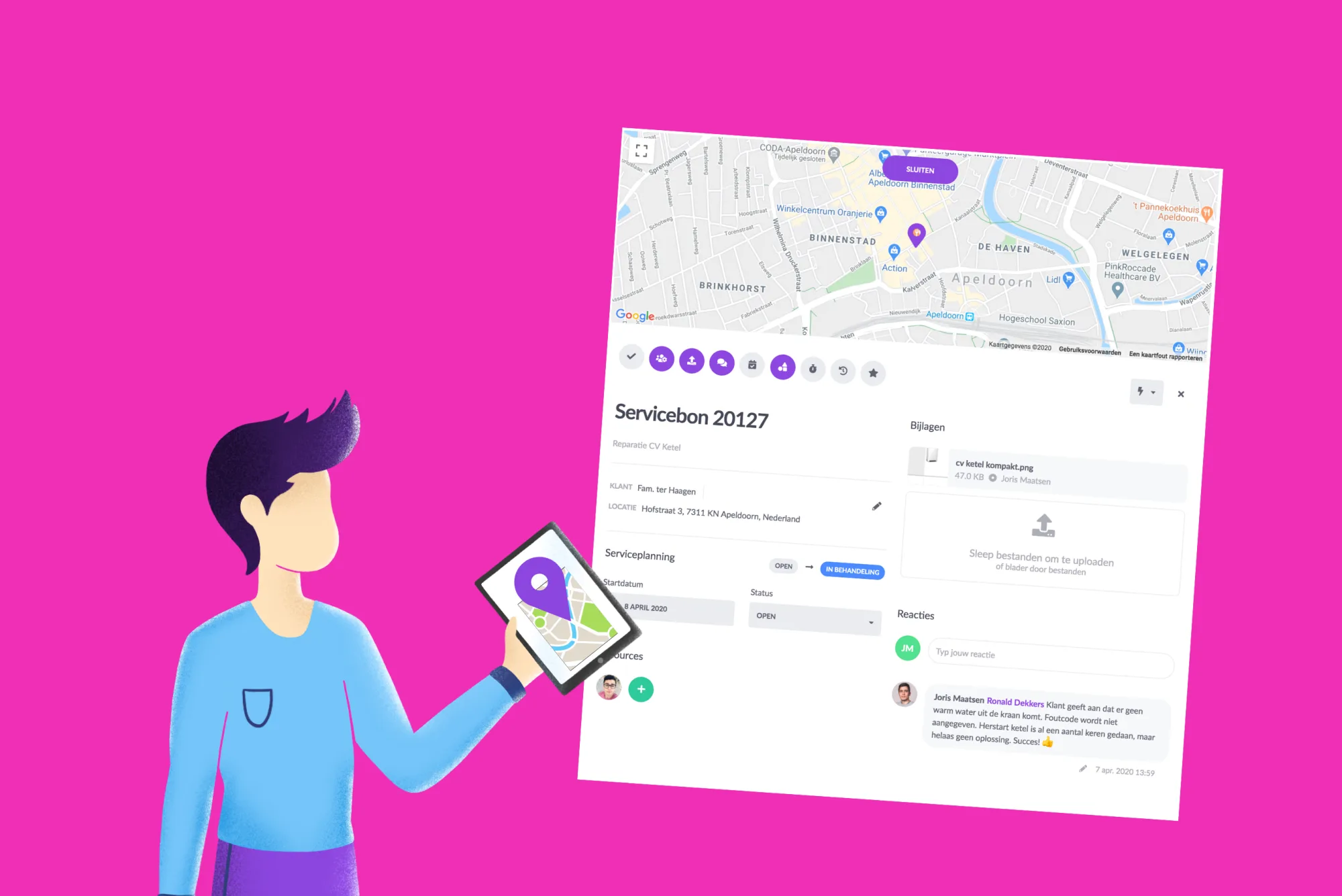
How does the new address field work in vPlan?
It is sometimes very useful to know where you need to be to complete a task. We have expanded our existing set of extra fields with a new one, namely address. You can use this field to define a specific location.
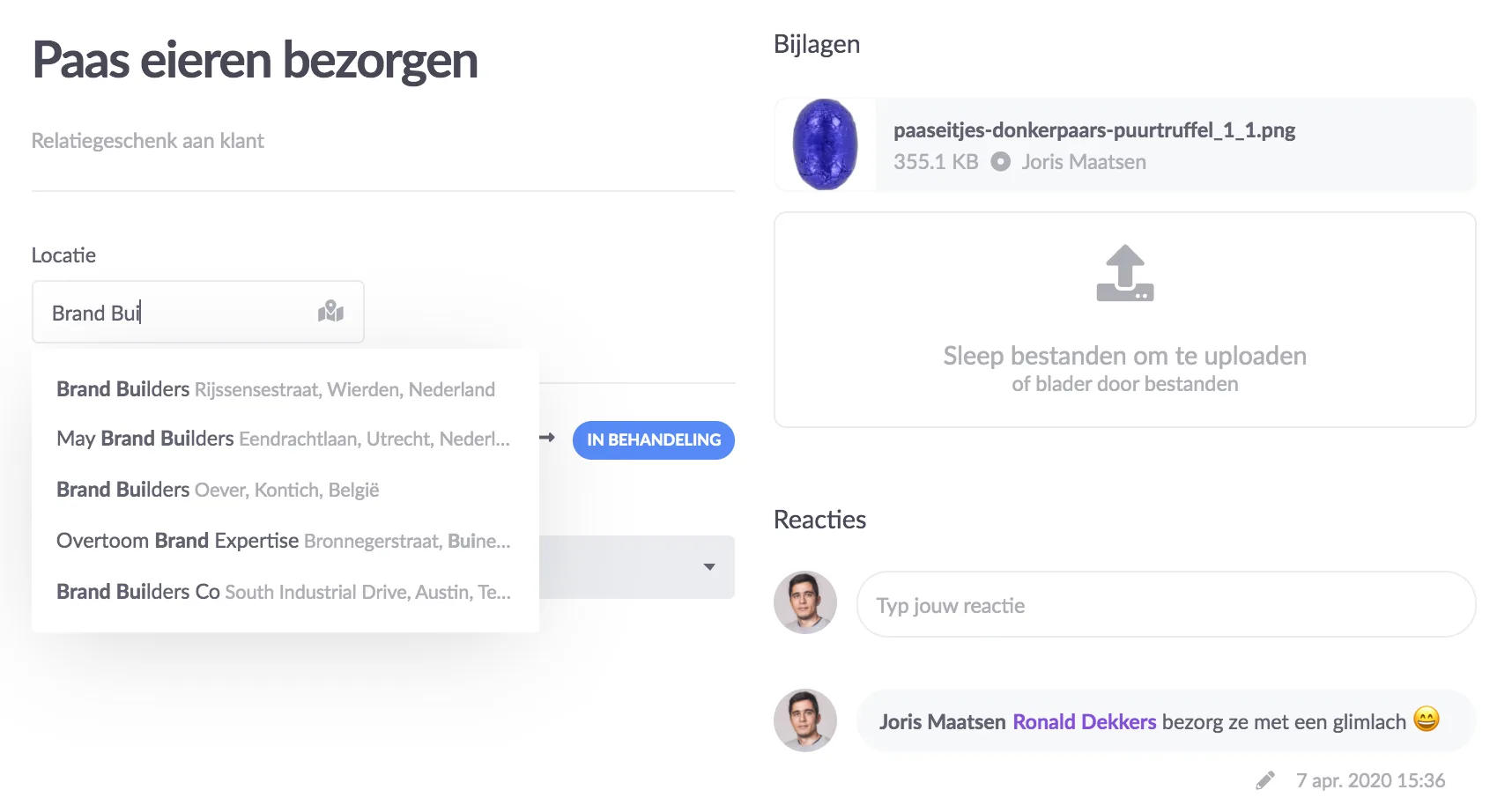
We use Google Place Autocomplete when entering location data. This allows you to search very quickly. For example, you don't have to use a certain order to capture a location. Start with the city, postcode or name of the company. You will automatically see options in a menu. Select the correct option and the address is fixed.
Click on the completed field to see the location on the map. We have integrated Google Maps for this purpose. It is possible to enlarge the map.
Another very useful function within vPlan! Would you also like to experience the convenience of vPlan? Try vPlan for free.
Try it in your own vPlan
Every new feature is in the free trial.