


New function
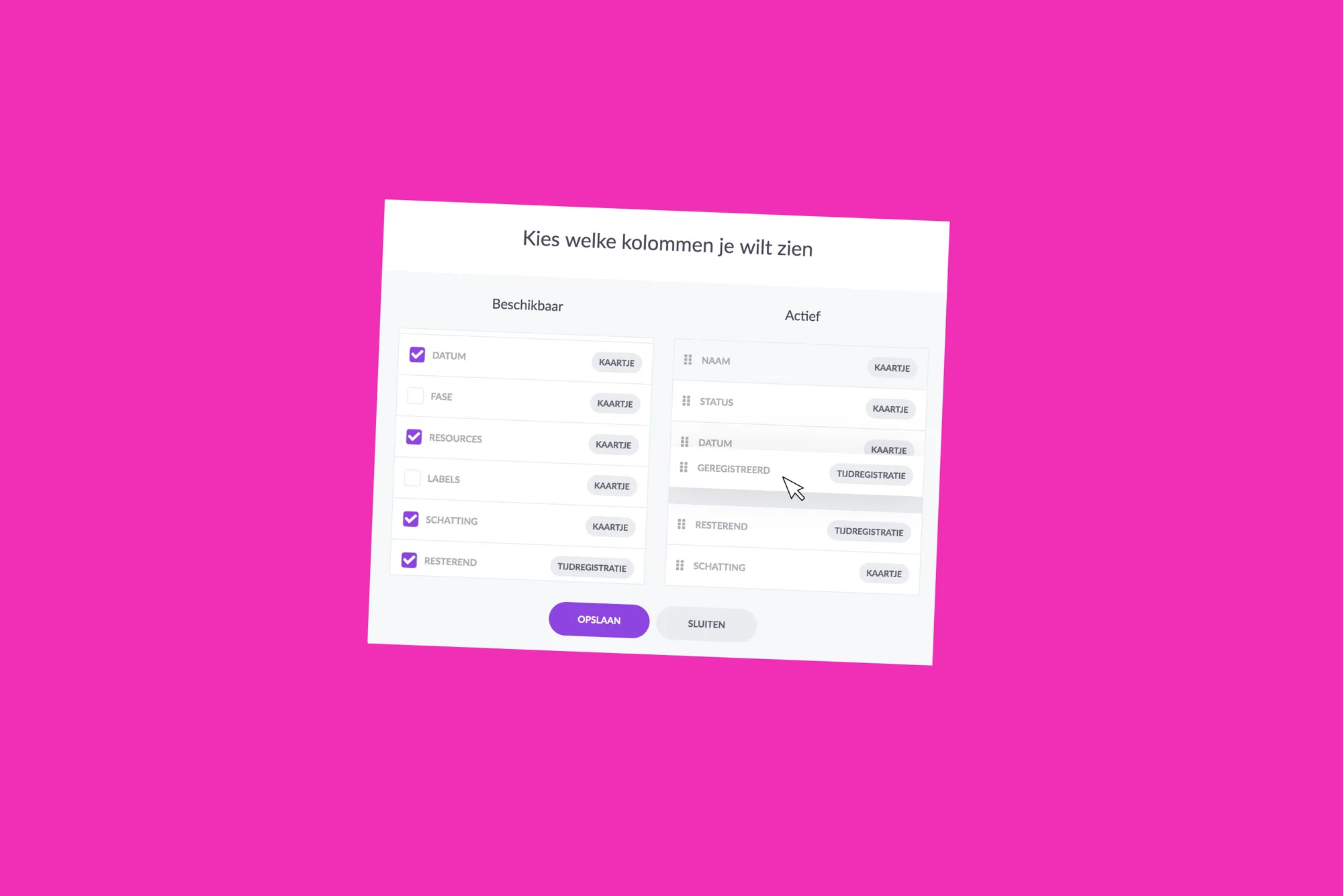
With our new functionality flexible columns, you are now free to set up your list view. Decide for yourself which columns and in which order you want to display card information. It allows you to show valuable information that you need operationally. You can rearrange the columns for each board. In addition to our standard fields, we also offer you the option of displaying your extra fields.
Explanation of column layout
In the list view you will find a new icon to show and classify your columns:
Introduction
With our new functionality flexible columns, you are now free to set up your list view. Decide for yourself which columns and in which order you want to display card information. It allows you to show valuable information that you need operationally. You can rearrange the columns for each board. In addition to our standard fields, we also offer you the option of displaying your extra fields.
Explanation of column layout
In the list view you will find a new icon to show and classify your columns:
Clicking on the icon opens a window in which you can select the columns. Determine the order of the active columns:
Example
Vloerhandel B.V. lays floors at private homes and plans its orders in the digital planning board of vPlan. In addition to the standard fields in vPlan, Vloerhandel B.V. has set up some extra fields in the plan board:
- Address (Text)
- Customer telephone number (Telephone)
- Invoicing e-mail address (E-mail)
- m2 (Number)
- Amount (Number)
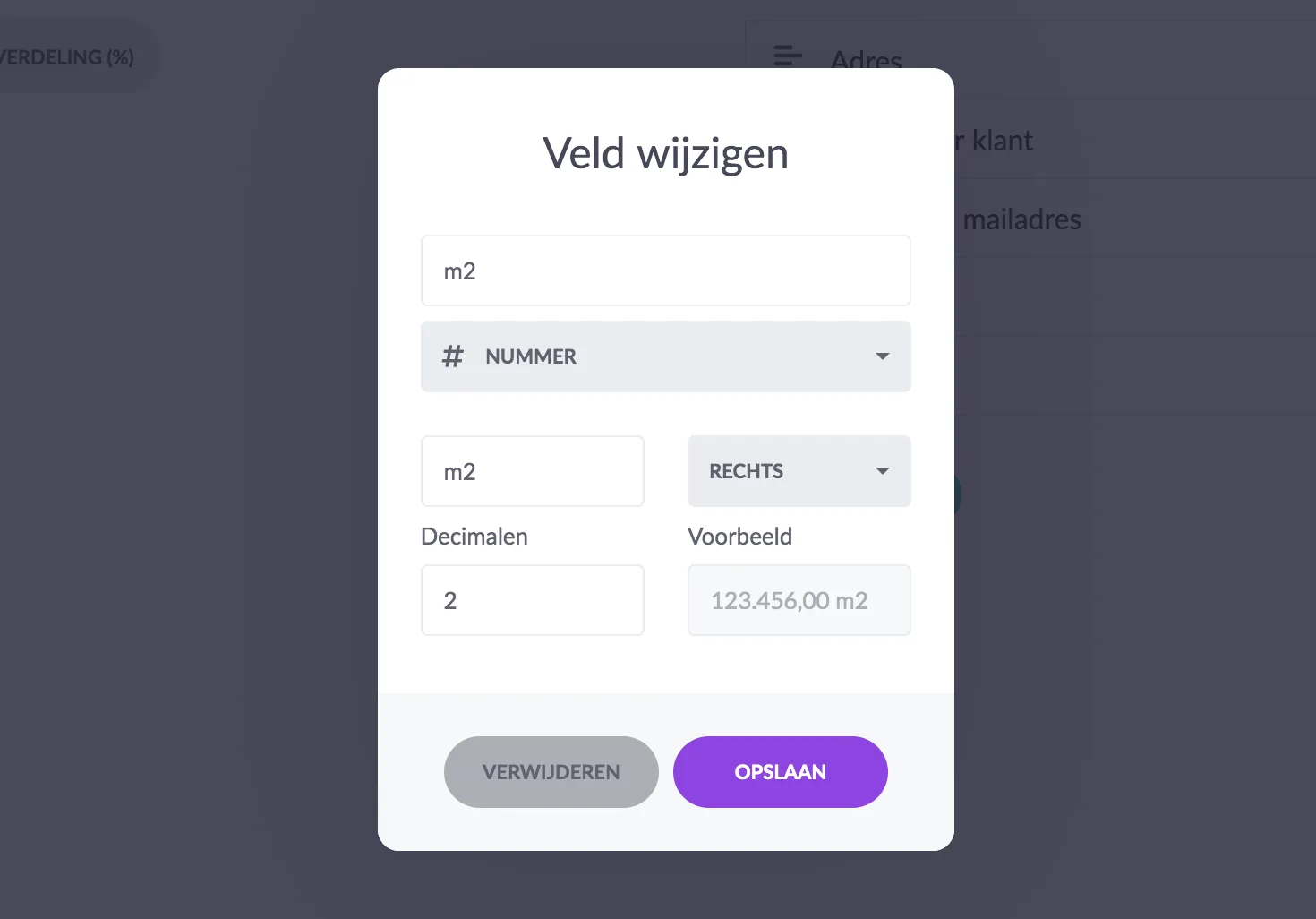
The number fields "m2" and "Amount" are each decorated in units and decimals. An example of "m2" is shown below:
In the list view Vloerhandel B.V. would like to see how many m2 of floors have to be laid and what the total amount of the order is. They also want to see contact details of the customer and some standard fields, such as planning date and status.
In the plan board, the current column layout is adjusted in the list view and columns are placed in a sequence of your choice:
In the case of numbered fields, it is possible to aggregate the input of fields in various ways. This way you can add up the total, show the average and more. Everything to give you more insight and guidance.
Not yet using vPlan? Then sign up here.
Clicking on the icon opens a window in which you can select the columns. Determine the order of the active columns: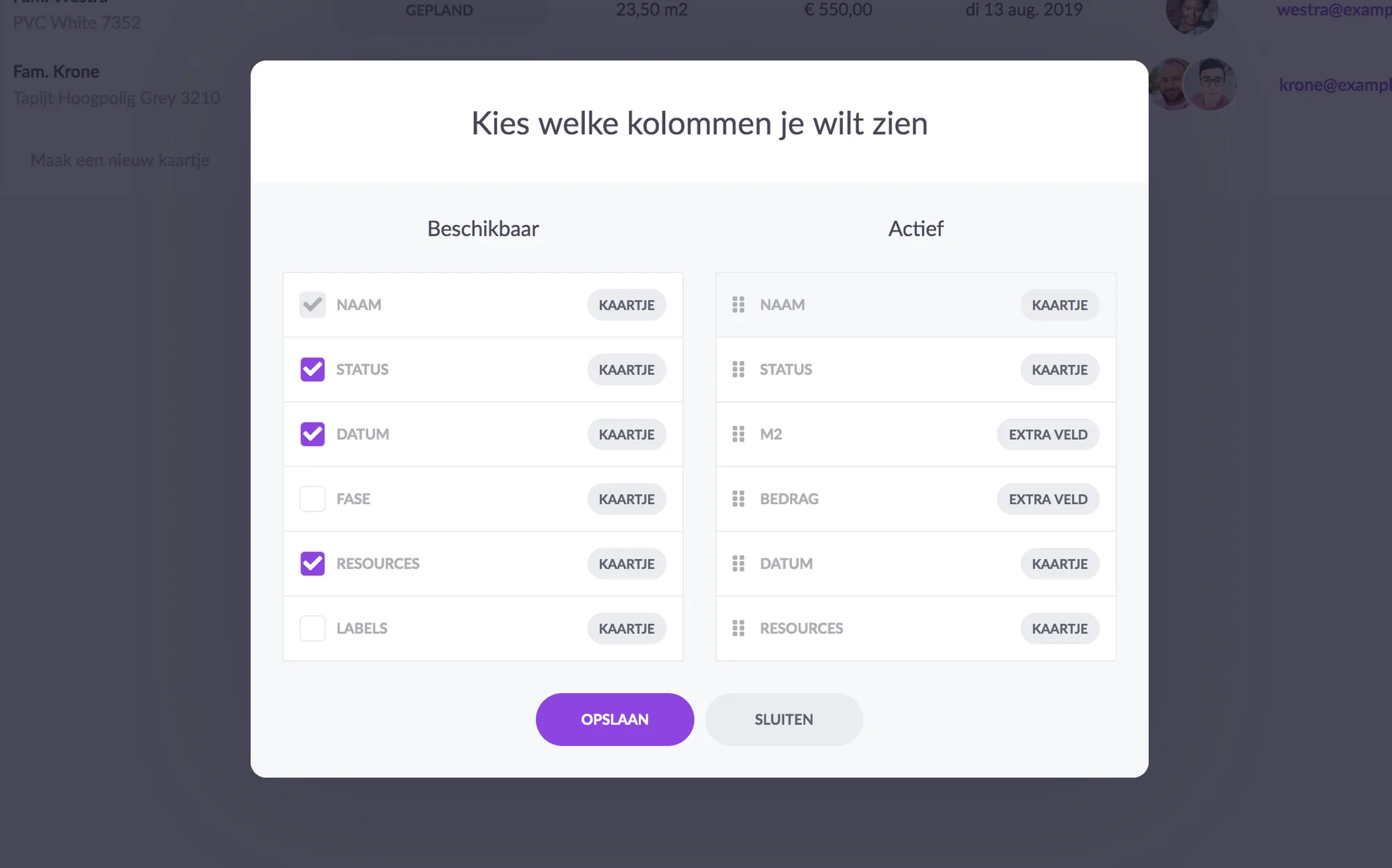
Example
Vloerhandel B.V. lays floors at private homes and plans its orders in the digital planning board of vPlan. In addition to the standard fields in vPlan, Vloerhandel B.V. has set up some extra fields in the plan board:
- Address (Text)
- Customer telephone number (Telephone)
- Invoicing e-mail address (E-mail)
- m2 (Number)
- Amount (Number)
The number fields "m2" and "Amount" are each decorated in units and decimals. An example of "m2" is shown below:
In the list view Vloerhandel B.V. would like to see how many m2 of floors have to be laid and what the total amount of the order is. They also want to see contact details of the customer and some standard fields, such as planning date and status.
In the plan board, the current column layout is adjusted in the list view and columns are placed in a sequence of your choice:
In the case of numbered fields, it is possible to aggregate the input of fields in various ways. This way you can add up the total, show the average and more. Everything to give you more insight and guidance.
Try it in your own vPlan
Every new feature is in the free trial.



