


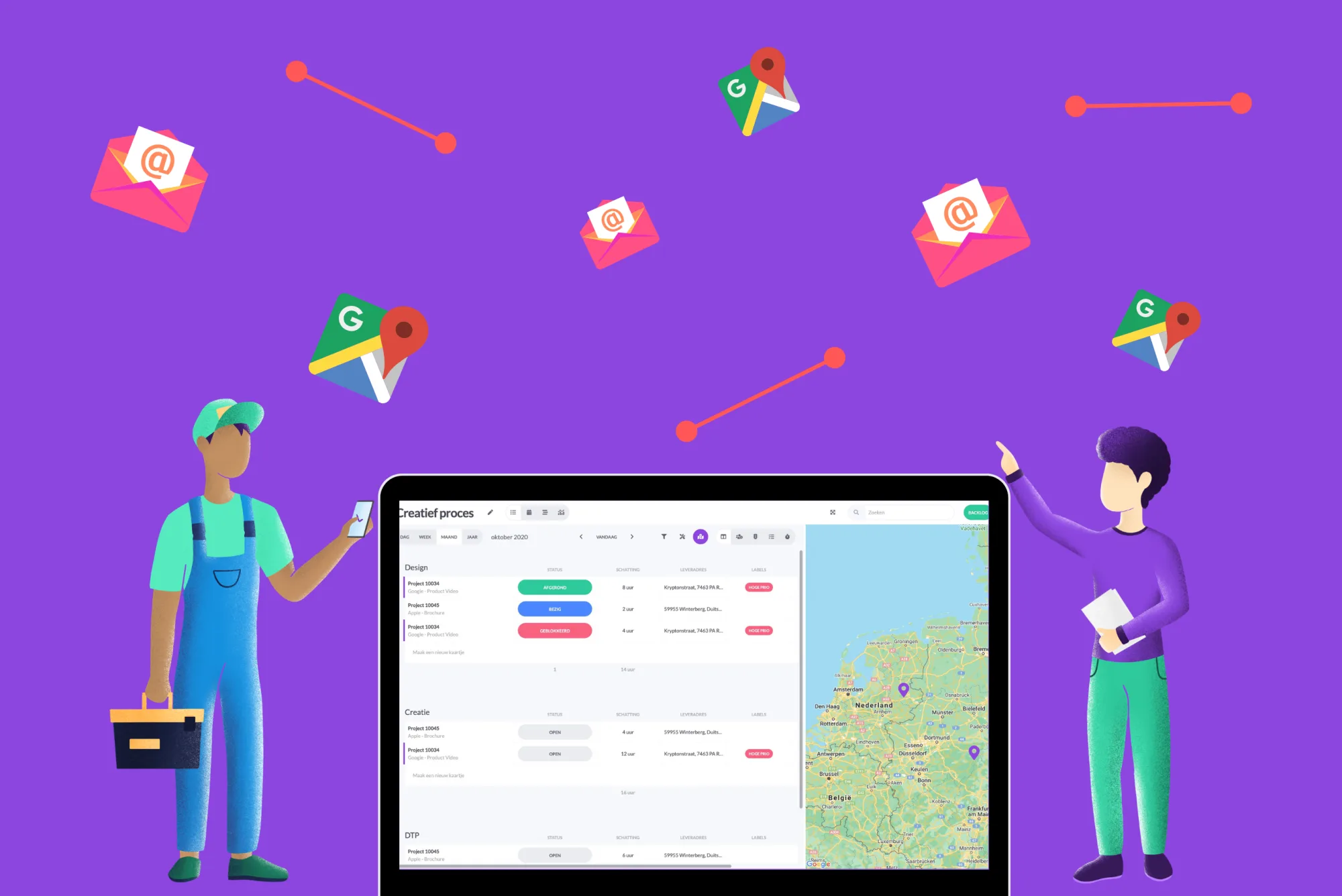
Map view with Google Maps in list view
Google Maps can already be used in maps with the free field Address. Through Google Places Autocomplete you can search at lightning speed. Enter a city, postcode or company name and you will automatically see address options. Select the address you want to go to and the address is stored in vPlan. From now on we have a map view using Google Maps within the list view.
Note: This function is only available in the list view.
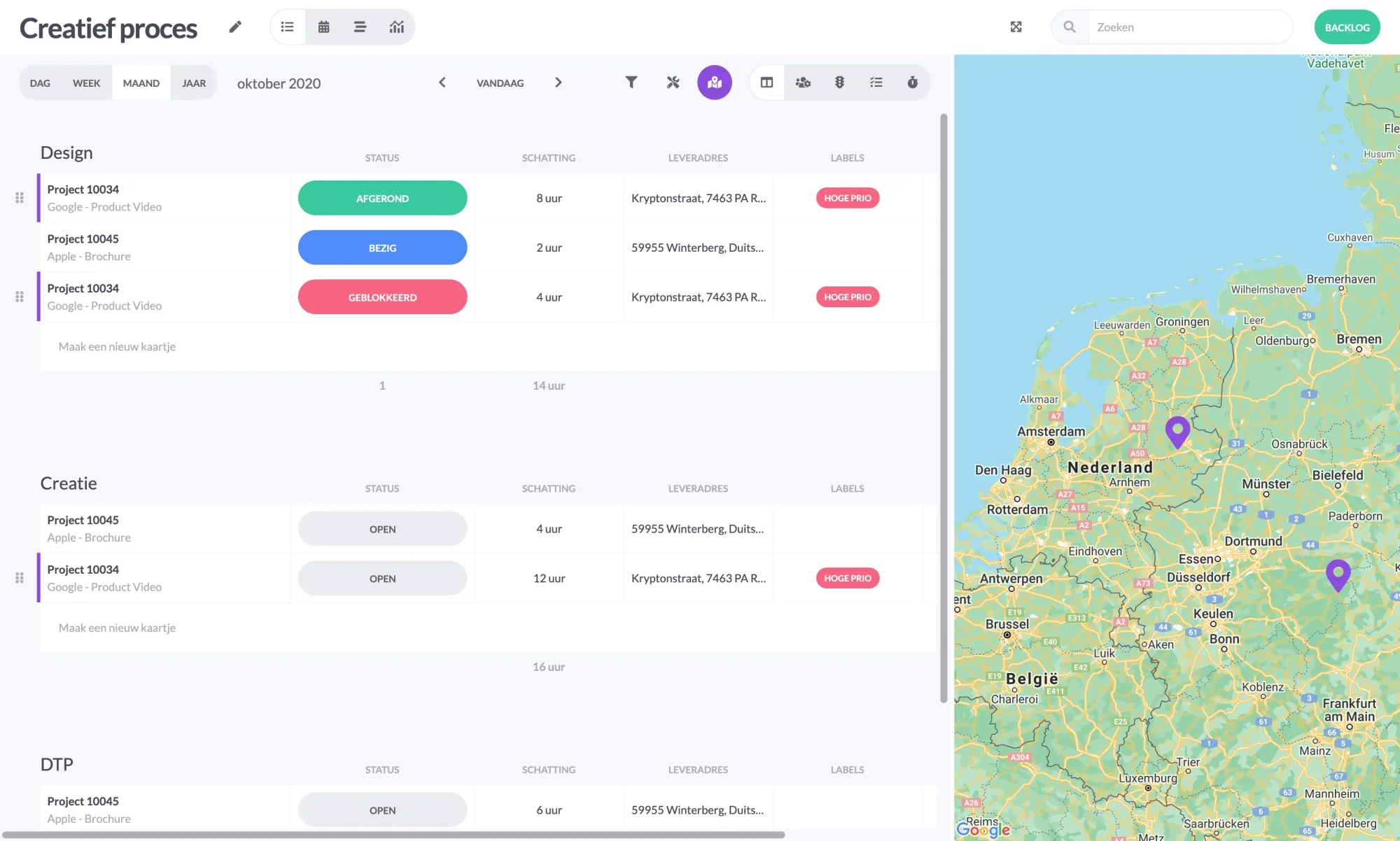
In the map view, you can easily and conveniently see the addresses of the cards filled in. In this way, you can see at a glance where you need to go.
Milestones in timeline
Some time ago we introduced the timeline to you. In the meantime, we have been able to add some nice features to the timeline, such as capacity and the backlog. It is now also possible to place milestones in the timeline.
What are milestones? Milestones indicate visually when a map in the timeline expires.
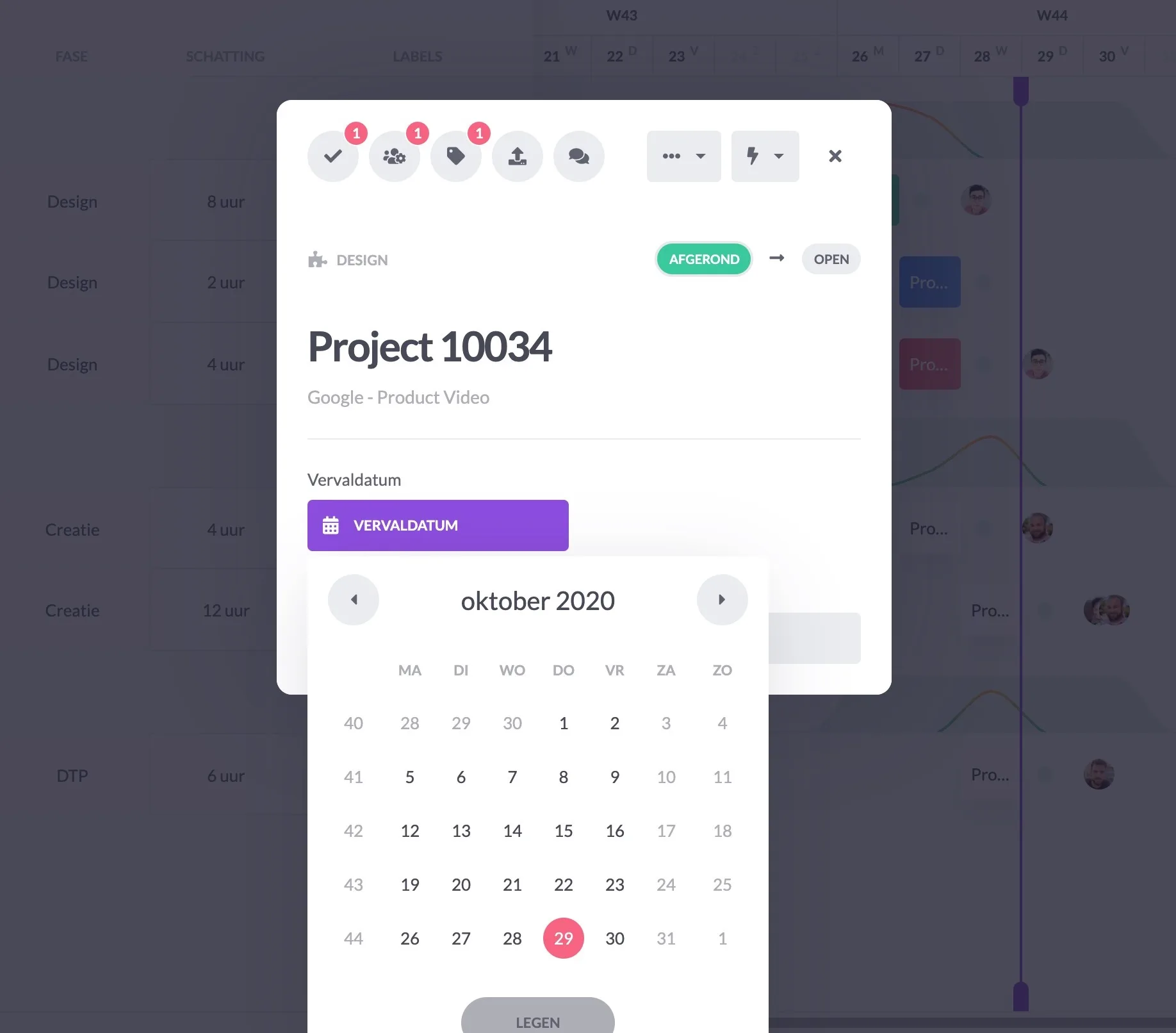
Set the card's expiry date. Based on the expiry date, the milestone is placed in the timeline.
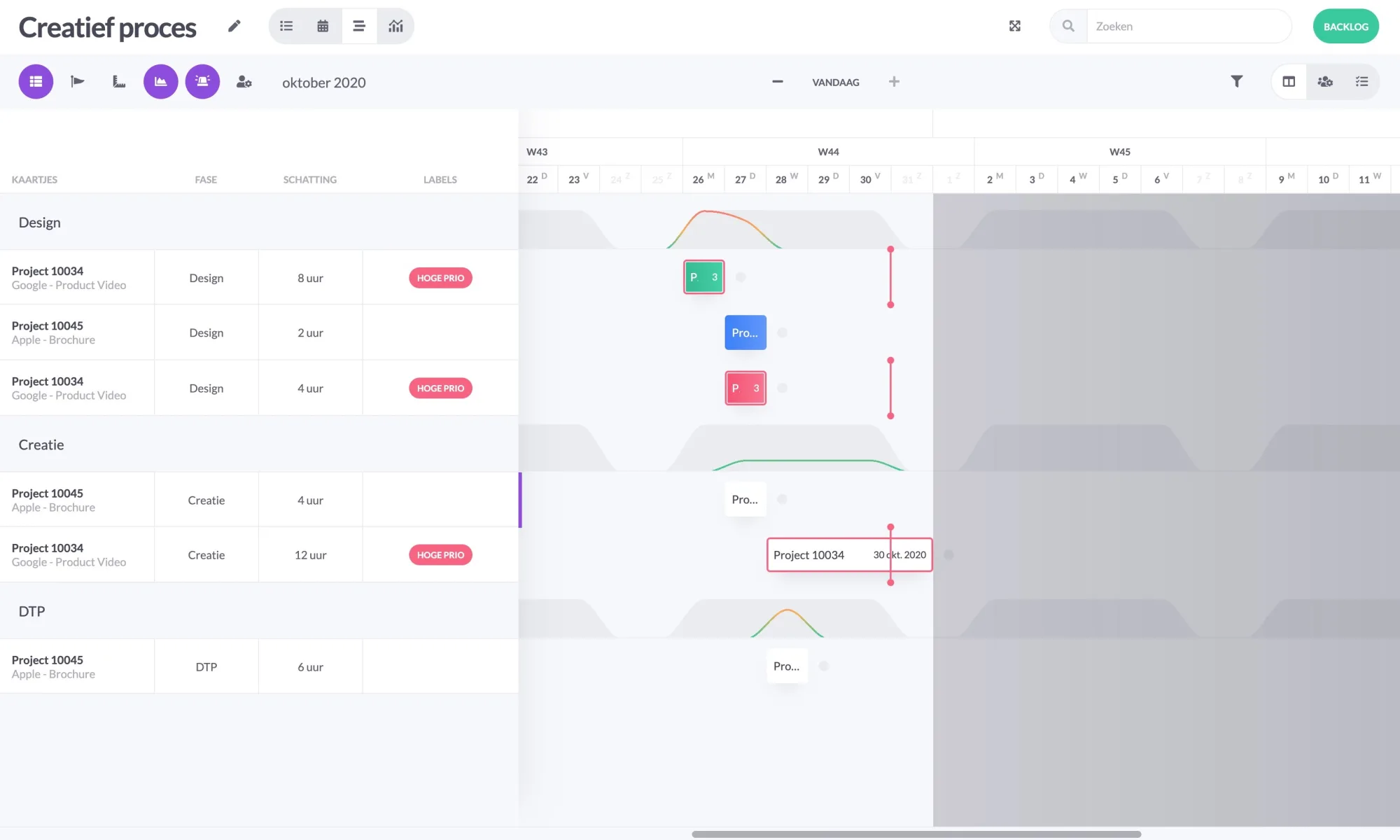
The milestones ensure that you do not implant the card after the expiry date. If you do, there will be a red border around the bar.
Mail to a planning board
Last but not least, we will introduce you to a planning board. A feature we are very happy with and cannot wait to use.
During the configuration of your planning board, the new heading E-mail has been added.
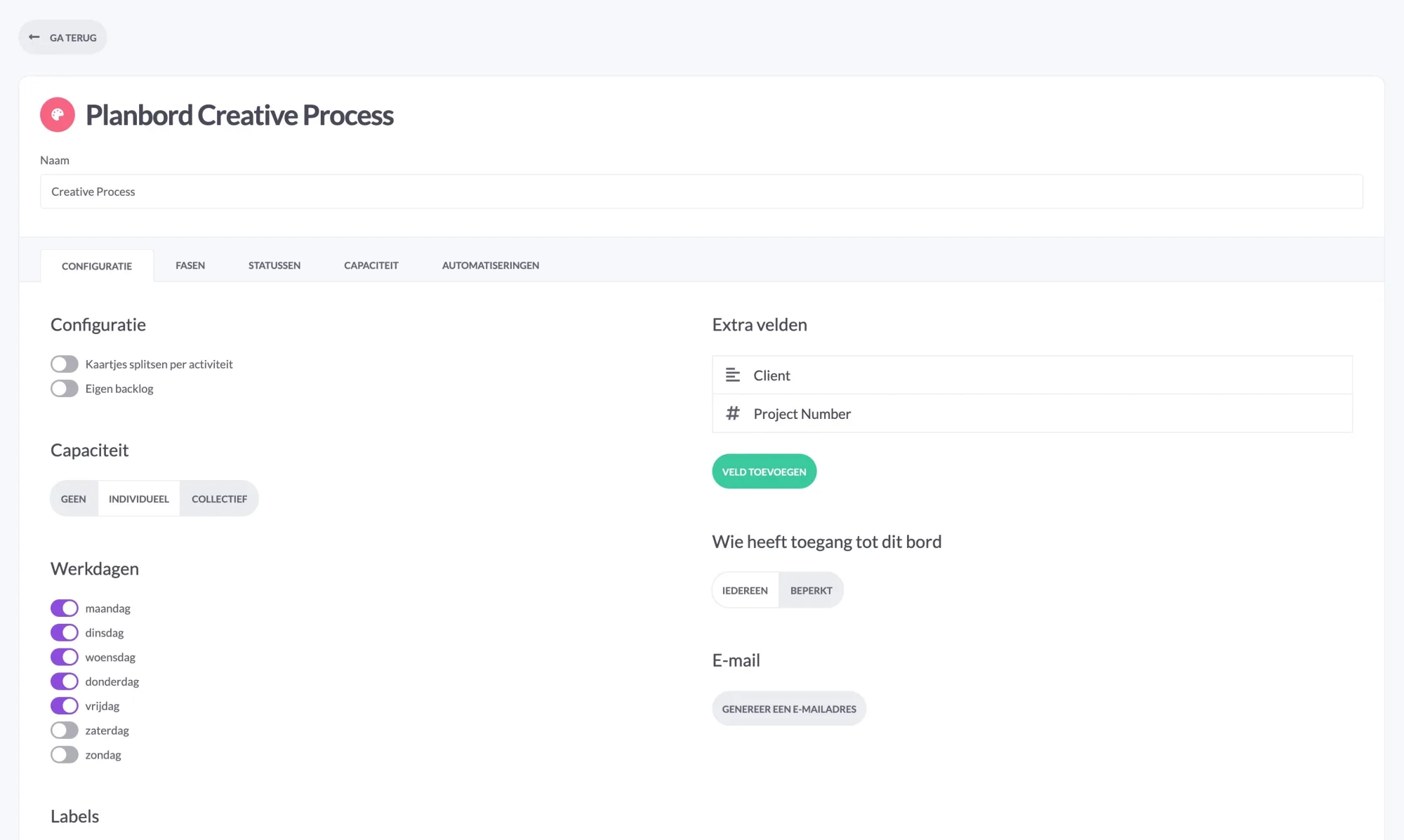
By pressing the "generate an email address" button, you will see a specific email address created especially for your scheduling board.
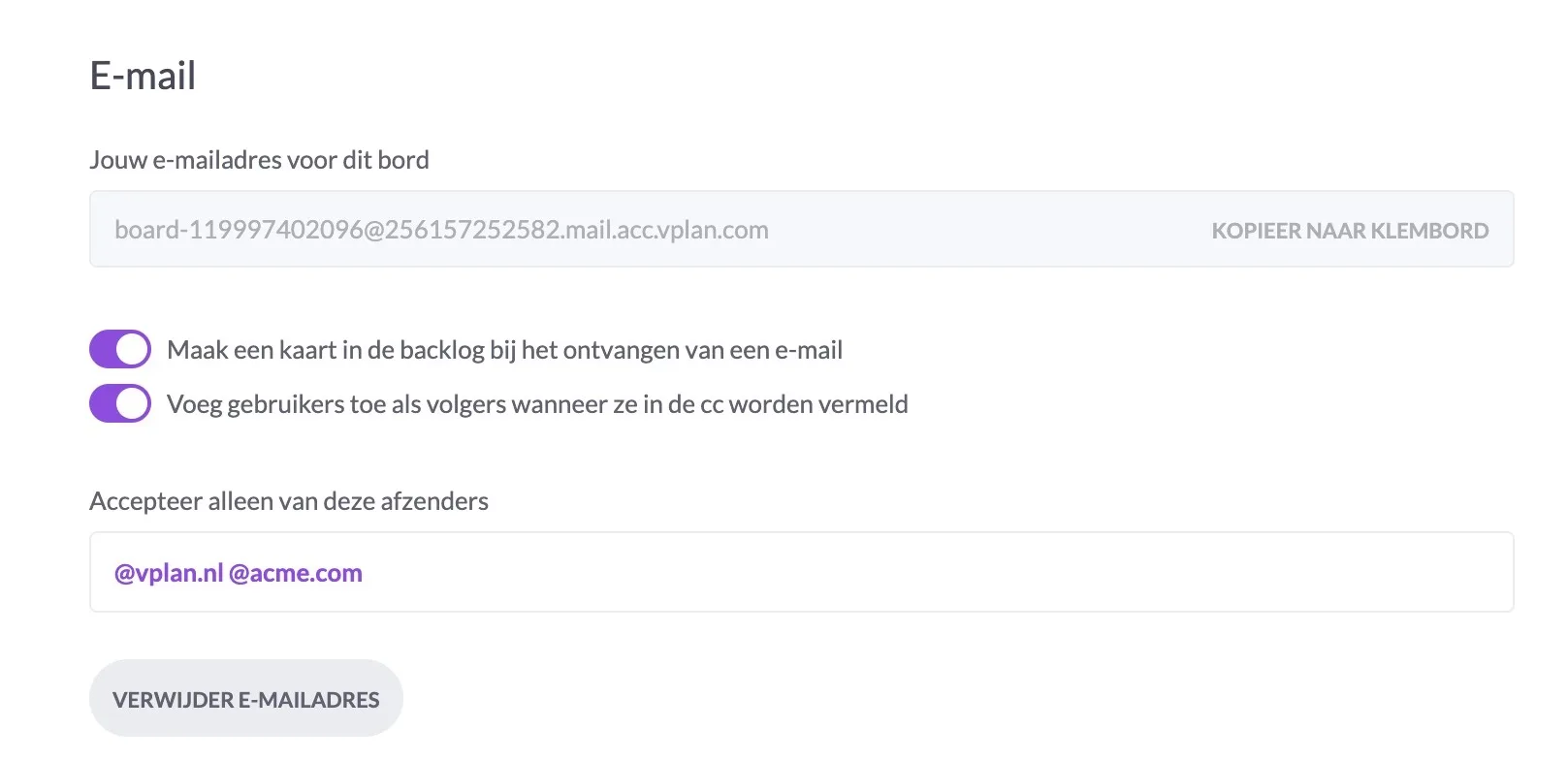
By activating the button "Create a card in the backlog when receiving an e-mail", the e-mails you send to the specified e-mail address will be converted into a card in the backlog of your planning board. There is also the option to add users listed in the cc as followers of your card.
To prevent spam in your plan board you can choose a domain (e.g. @vplan.nl) that is only allowed to put tickets in your backlog via the e-mail address.
Can't you wait to start using these functionalities? Get to work today!
Try it in your own vPlan
Every new feature is in the free trial.



