



Formulas for Progress Tracking
Days until the expiration date?
With the following formula, you can see the number of remaining days until the expiration date.
CONCATENATE(DAYS(field("CollectionDueDate"), TODAY()), " dagen")

Calculate total estimated costs
We use the field Estimate (CardTime) and multiply it by the numeric custom field Price per hour. The estimated time is per minute and the price is per hour, hence we divide the outcome by 60. Of course, similar calculations are also possible.
field("CardTime")*field("PrijsPerUur")/60
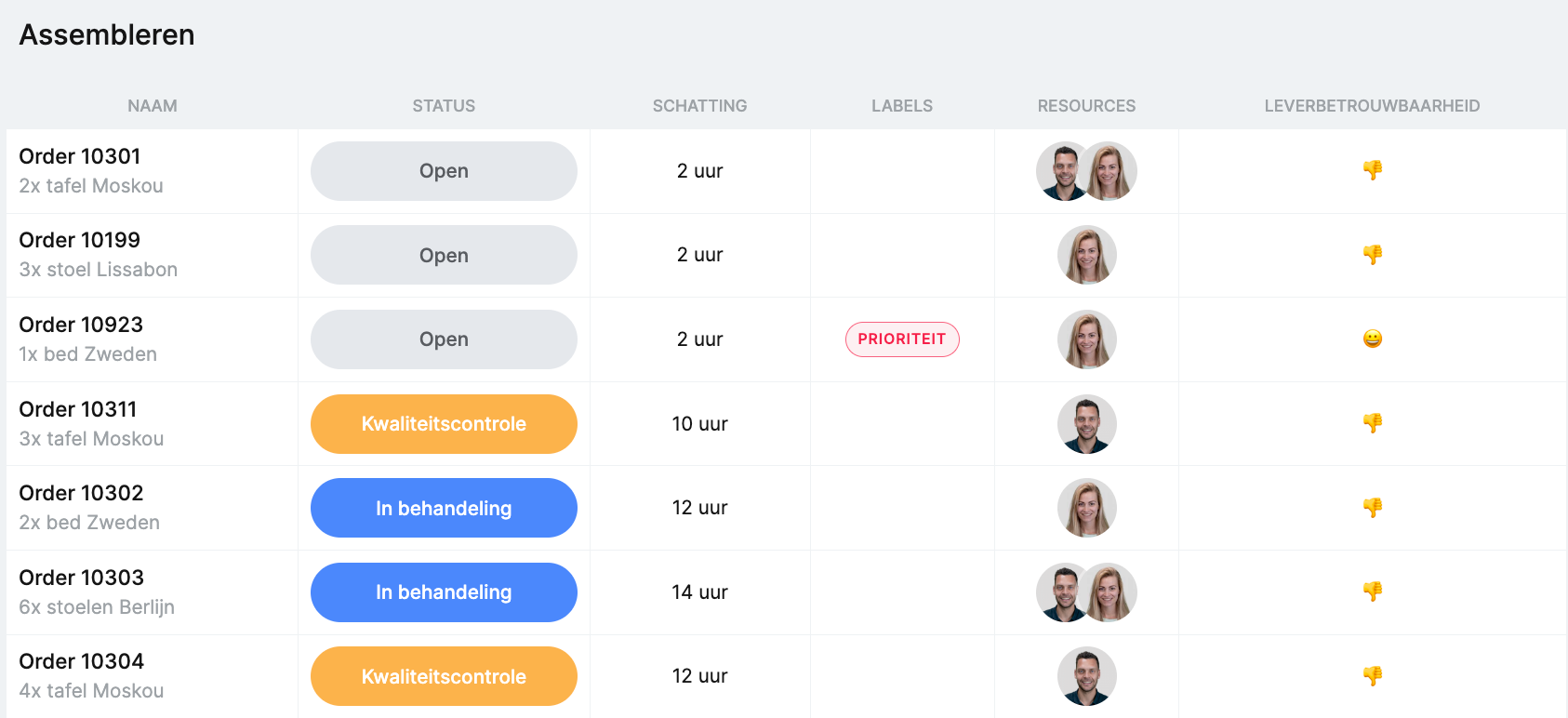
Indicate whether the expiration date is "this week", "next week", or "next month"
With this formula, you can quickly see if the expiration date is approaching soon, or if you still have some time.
IF((DAYS(field("CollectionDueDate"),TODAY())>30), "Volgende maand",
IF((DAYS(field("CollectionDueDate"),TODAY())>14), "Deze maand",
IF((DAYS(field("CollectionDueDate"),TODAY())>7), "Volgende week", "Deze week")))

Specify the specific day of a date
If you want to know specifically which day of the week a date field is, you can use the formula below. In this example, we use the start date of a card.
IF(WEEKDAY(field("CardStart"))=1, "Zondag",
IF(WEEKDAY(field("CardStart"))=2, "Maandag",
IF(WEEKDAY(field("CardStart"))=3, "Dinsdag",
IF(WEEKDAY(field("CardStart"))=4, "Woensdag",
IF(WEEKDAY(field("CardStart"))=5, "Donderdag",
IF(WEEKDAY(field("CardStart"))=6, "Vrijdag",
IF(WEEKDAY(field("CardStart"))=7, "Zaterdag,","" )))))))

Percentage progress based on time tracking
This formula displays the progress of your time tracking compared to your estimated hours. Try to stay below 100% :).
CONCATENATE(ROUND((field("CardTimeTracked") / field("CardTime") * 100),1), " %")

Calculate age based on date of birth
To quickly gain insight into ages, you can use the formula below. Handy in, for example, HR-related boards, such as recruitment and selection.
CONCATENATE(ROUND(DIVIDE(DAYS(TODAY(),field("Geboortedatum")), 365),0), " jaar")

Provide textual result based on conditions
Based on a numerical value, you can display results. Imagine you give a score for a product sample. Based on this score, you can display a result.
IF(field("Kwaliteitsscore")>80,"Excellent",
IF(field("Kwaliteitsscore")>50,"Goed",
IF(field("Kwaliteitsscore")>30,"Kan beter","Slecht")))

Progress of your cards through the statuses
Do you want to see how far a card has progressed through the number of statuses? With the following formula, you can display this nicely. Please note: you must name the statuses exactly.
IF(field("CardStatusName")="Open", "1/4",
IF(field("CardStatusName")="In behandeling", "2/4",
IF(field("CardStatusName")="Kwaliteitscontrole", "3/4",
IF(field("CardStatusN)="Afgerond", "4/4",""))))

Display the quarter in which a date falls
With this formula, you can quickly see in which quarter a specific date falls, for example, a custom field such as delivery date.
CONCATENATE("Q",ROUNDUP(MONTH(field("Leverdatum"))/3,0))

Calculate the number of weeks and days between two date fields
Calculate the number of weeks and days between two date fields With the following formula, you can quickly see the difference in weeks and days between two date fields.
ROUNDDOWN(DAYS(field("Leverdatum"),field("ProductieGereed"))/7,0)
&IF(ROUNDDOWN(DAYS(field("Leverdatum"),field("ProductieGereed"))/7,0)=1," week "," weken ")
&IF(MOD(DAYS(field("Leverdatum"),field("ProductieGereed")),7)=0,"",
"& "&MOD(DAYS(field("Leverdatum"),field("ProductieGereed")),7)&" dagen")

Indicate whether an expiration date has been exceeded
Show textually whether an expiration date has been exceeded with the following formula. You can also use emoticons here
IF(DAYS(field("CollectionDueDate"),TODAY())>0,"?","❗️")


Work at vPlan
We are looking for new colleagues.


