


Coming soon! vPlan AI - Driven by people -> Discover more
In vPlan, you work with a smart structure that helps you organise processes and work in a clear way. Whether you have a simple process or a complex one with multiple layers and teams, the structure in vPlan helps you stay on top of things.
Workspace
Board
Board
Collection
Collection
Collection
Card
Card
Card
Card
Subcard
Subcard
Subcard
Subcard
This is your digital office: the place where everything begins and comes together. Here you manage users, activities and resources, forming the foundation of your entire organisation.

The workspace is your central place to organise planning boards for one team, department, or business unit.
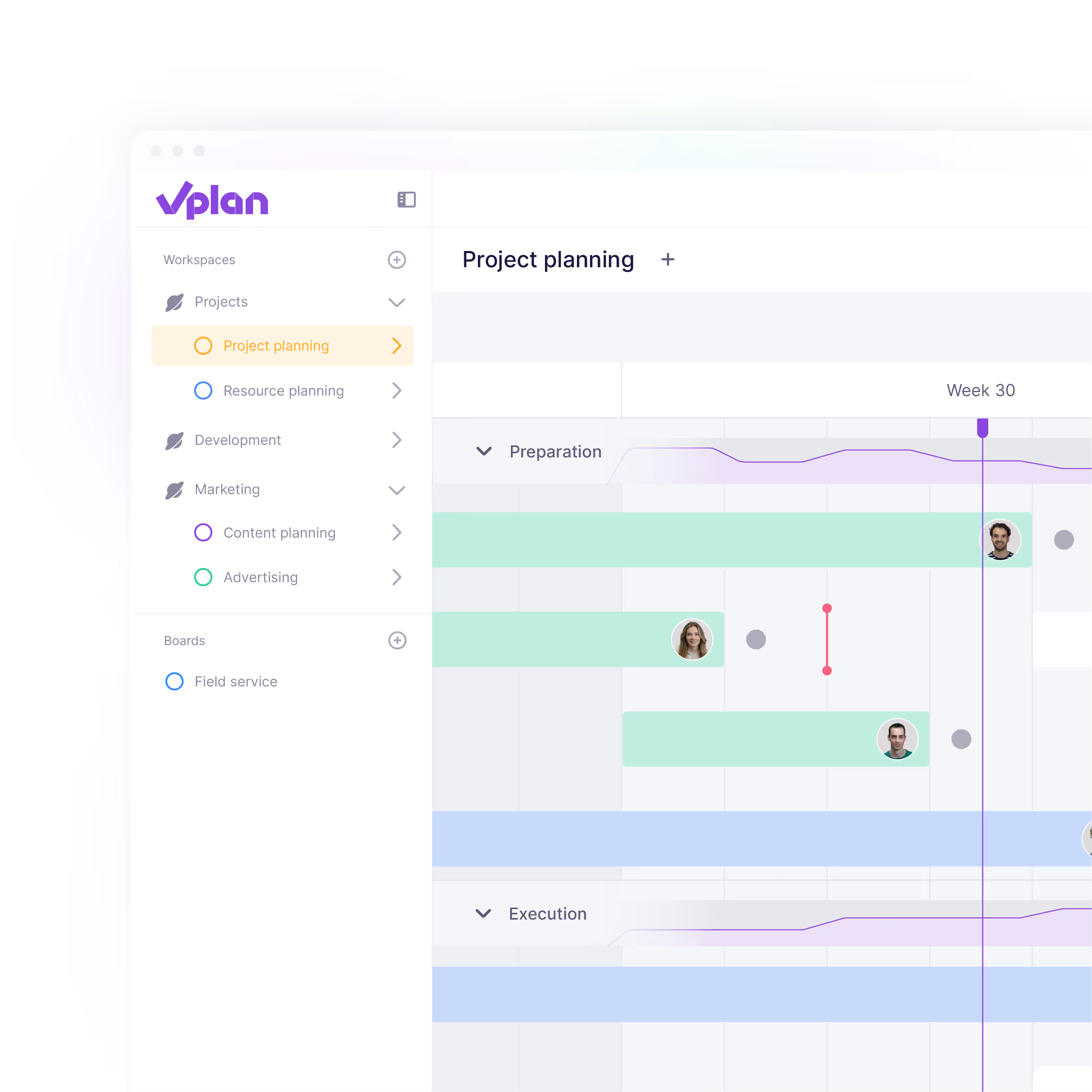
Boards are the foundation of your planning. Set up your workflow and get a visual overview of all tasks and processes, fully customisable to your needs.
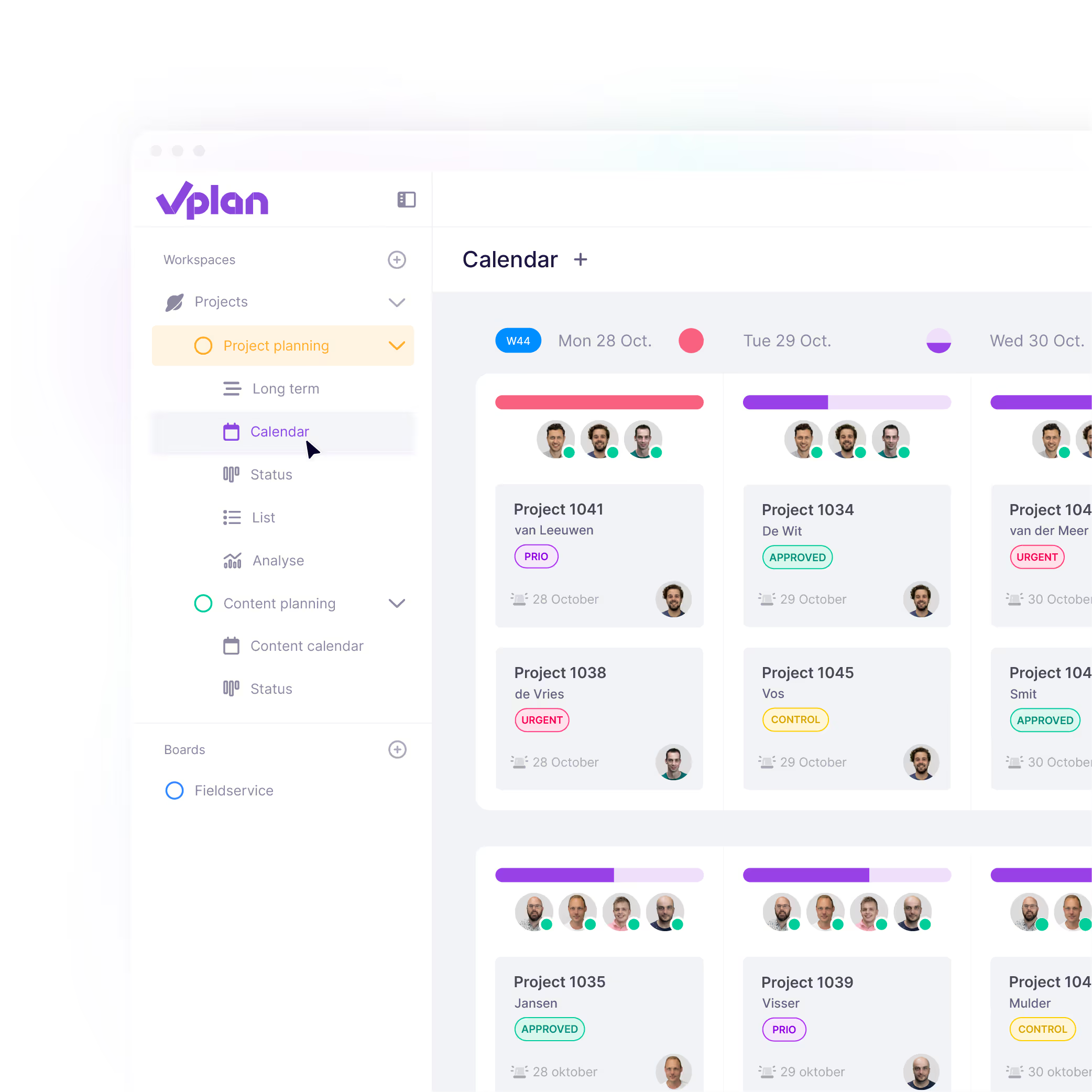
Stages help you structure your process and planning board and make it visible where work is located.
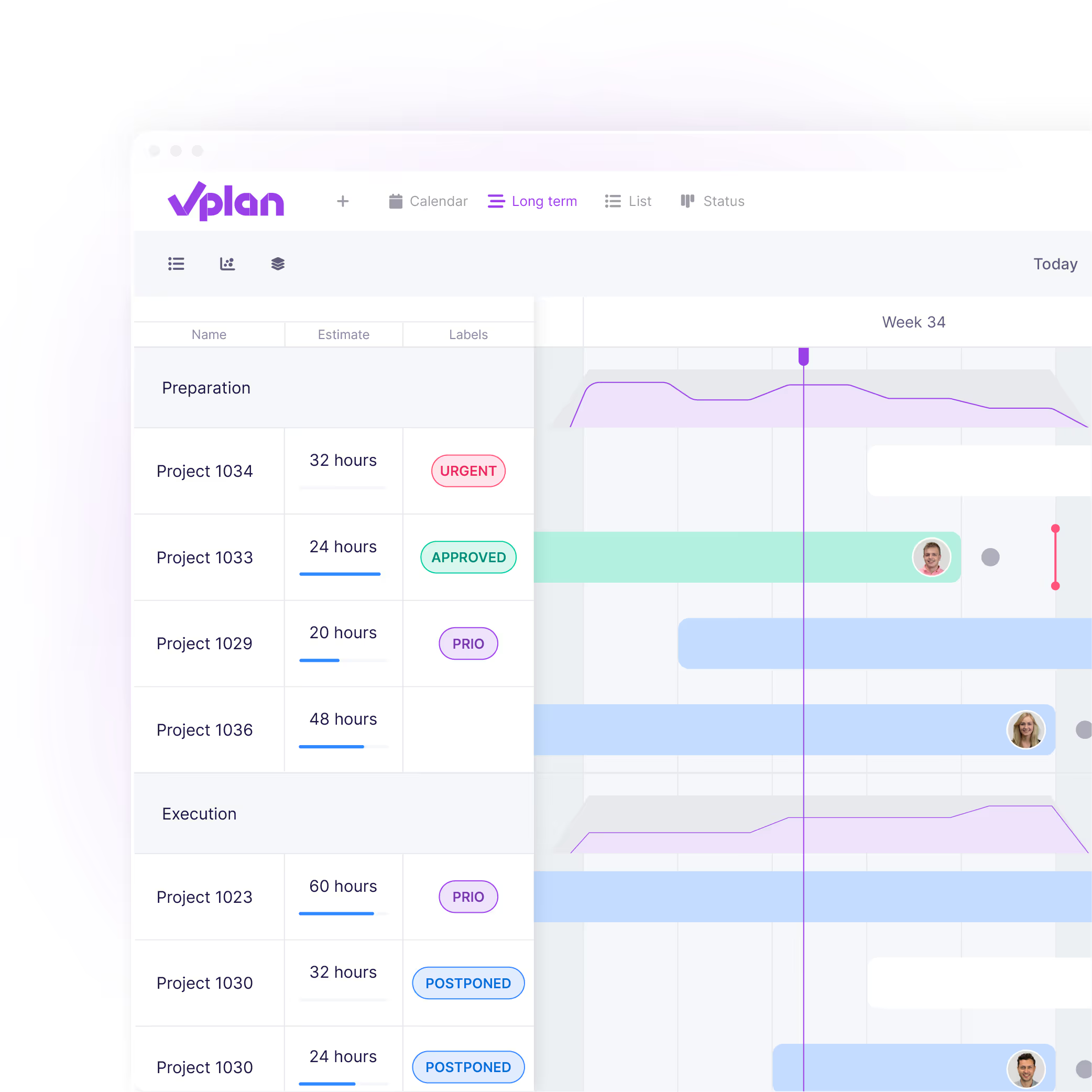
A collection groups multiple cards under one umbrella, such as a project or order. This keeps all related information centrally organised, like attachments and communication.
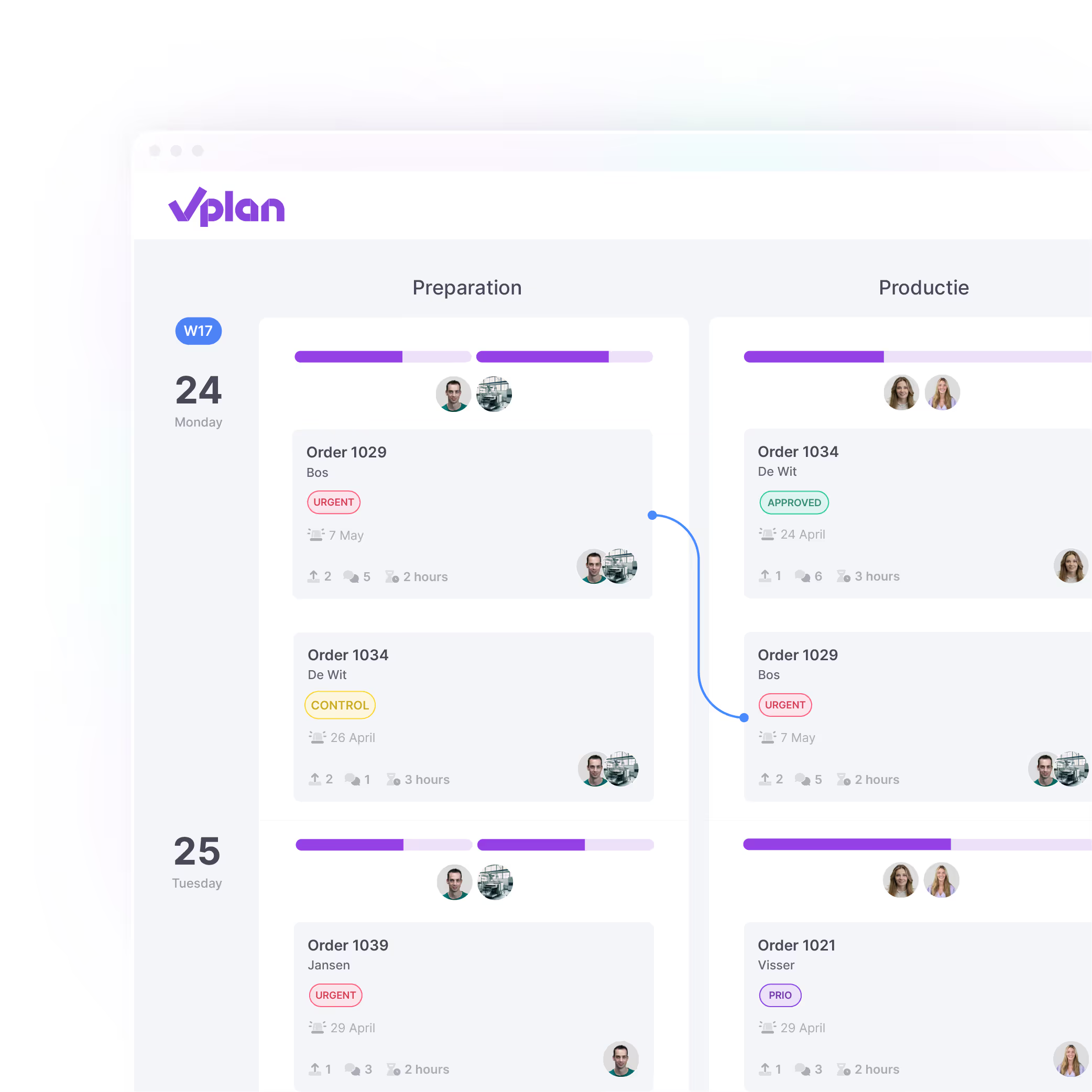
A card is an individual task, assignment, or part of a project. You link it to a date and resource and fill it with labels, custom fields, or checklists. Cards move across the planboard as work progresses.
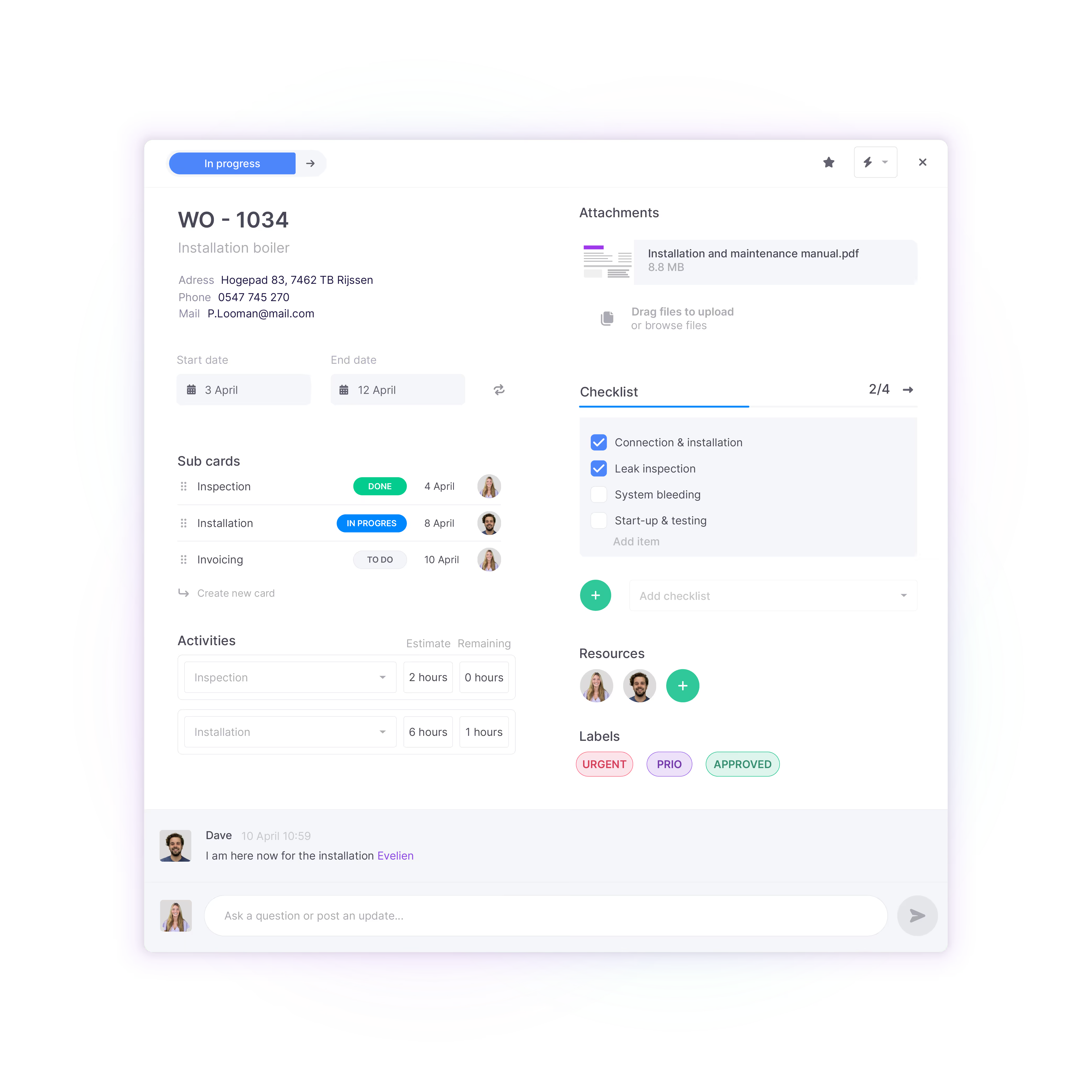
Use a subcard when a task is too big or complex. This allows you to break work into smaller steps and better track what still needs to be done.
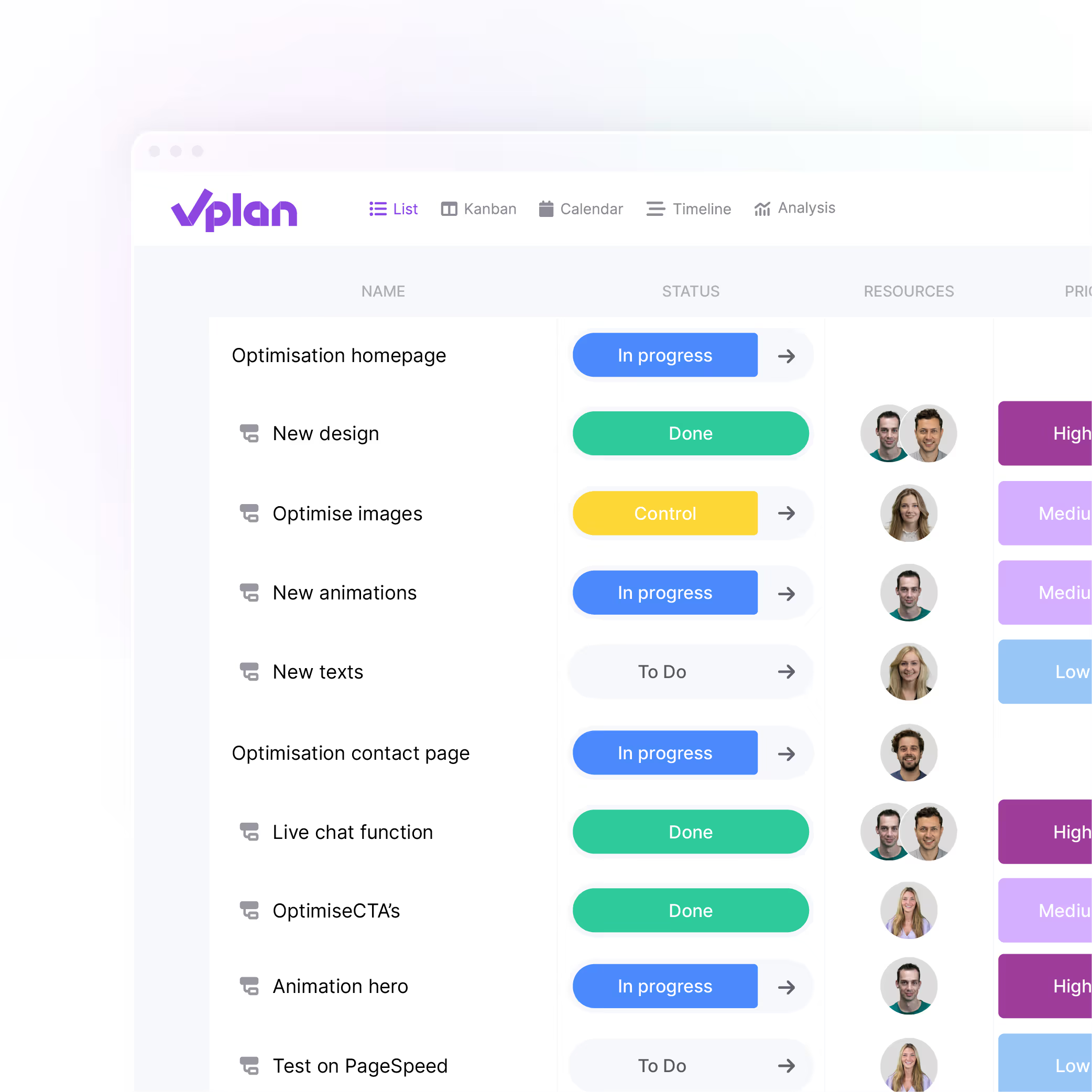
In vPlan, you divide your process into stages. These can be steps such as preparation, execution and control or departments like planning or production. By dividing work into stages, you can clearly see in which step something is and where capacity is being used.
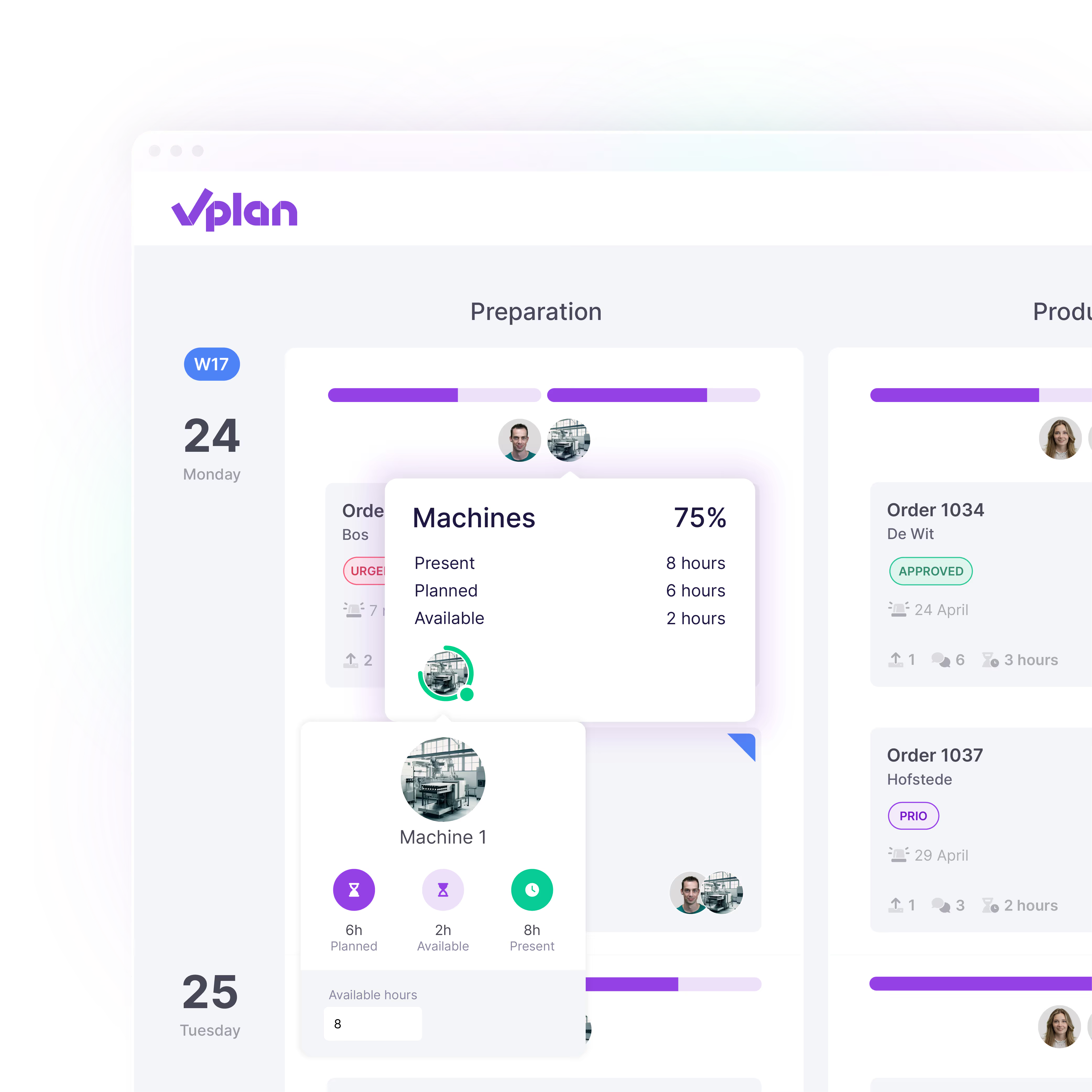
Link activities to your stages and add time to your work. This way, you indicate how many hours a task or project costs and make your planning measurable. You can keep it simple with one activity or work more specifically with multiple types of work.
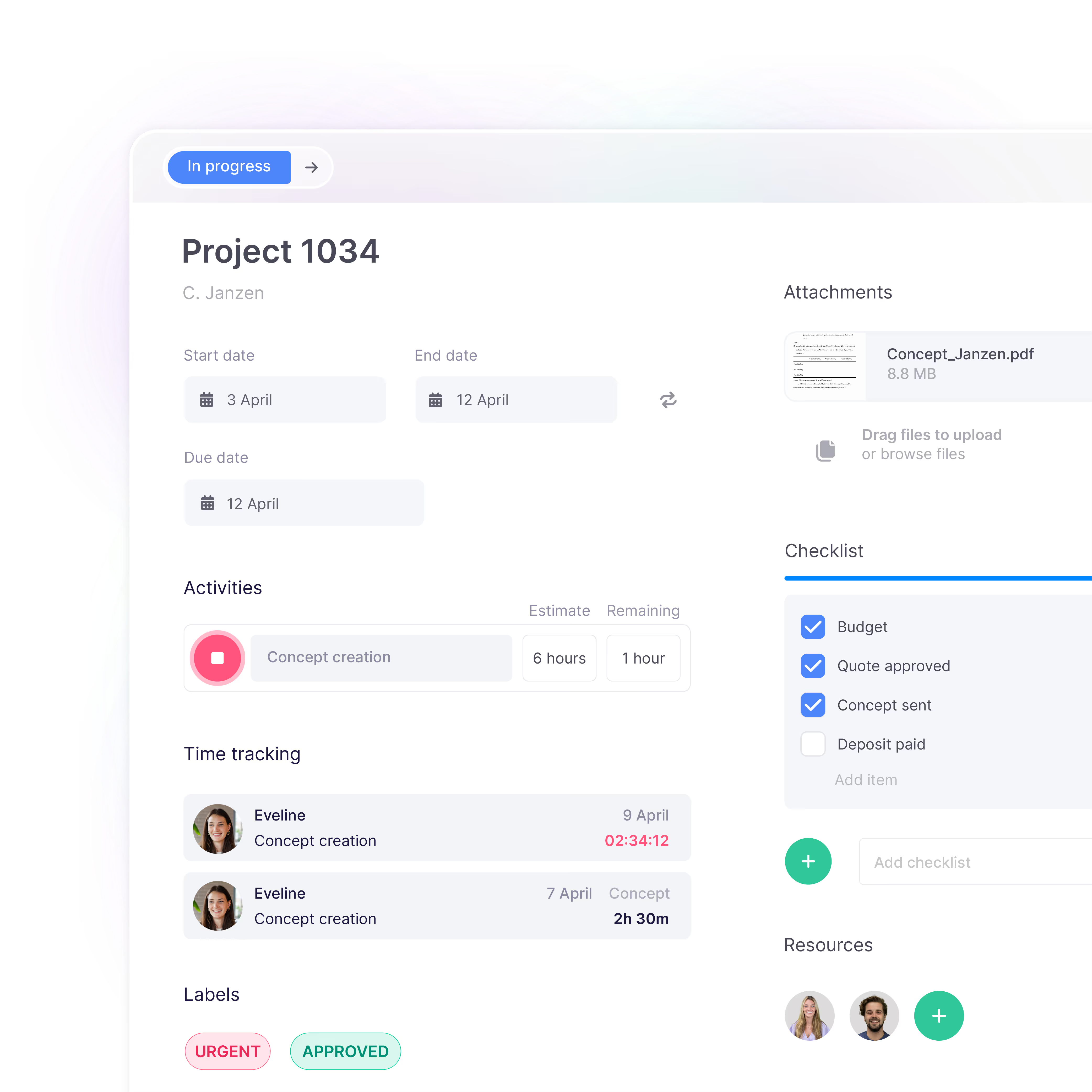
Resources include everything and everyone required to carry out the work: people, machines, or spaces. By assigning them a schedule, vPlan knows when they are available. Link activities to resources to see who or what is occupied and when, and how much capacity is still available.

A collection is a group of cards that belong together. It also contains overarching information that is shown on each linked card, such as the title, description, custom fields, comments and followers. A collection always contains at least one card, and a card always belongs to a collection. However, a collection can consist of multiple cards.
Want to learn more? Read the support article about the difference between a collection and a card.
Activities represent the work that needs to be carried out. Stage setup is a way to organise these activities into multiple plannable steps.
Want to learn more? Read the support article about the difference between an activity and a stage.
Resources are plannable employees, machines or spaces that you link to a board. In vPlan, you usually use resources not only to assign tasks but also to visualise and manage plannable capacity. A resource can also have a schedule. Users are people who have a login account for vPlan. These could be planners, but also system administrators, sales representatives or external parties. A resource can also be a user. If you want your plannable resources (for example, employees) to also carry out the planning in vPlan, you give them a login account for vPlan. You can link a login account to a resource so that vPlan knows the user is also a plannable resource.
Want to learn more? Read the support article about the difference between a resource and a user.