


Coming soon! vPlan AI - Driven by people -> Discover more
Discover why many organisations use vPlan, the visual planning solution for teams that need clarity, simplicity and flexibility.
vPlan is designed for planning and operational teams, making it easy to stay in control of work, capacity and progress. Compare the tools below and discover the difference.

.svg)


.svg)
.svg)
Unlike Microsoft Project, vPlan is a Dutch organisation. You’ll work with Dutch- and English-speaking support and consultants who understand your market and processes. Whether it’s configuration, integrations or training, we actively think along with you. Microsoft Project does offer documentation, but personal guidance is usually provided through external partners.

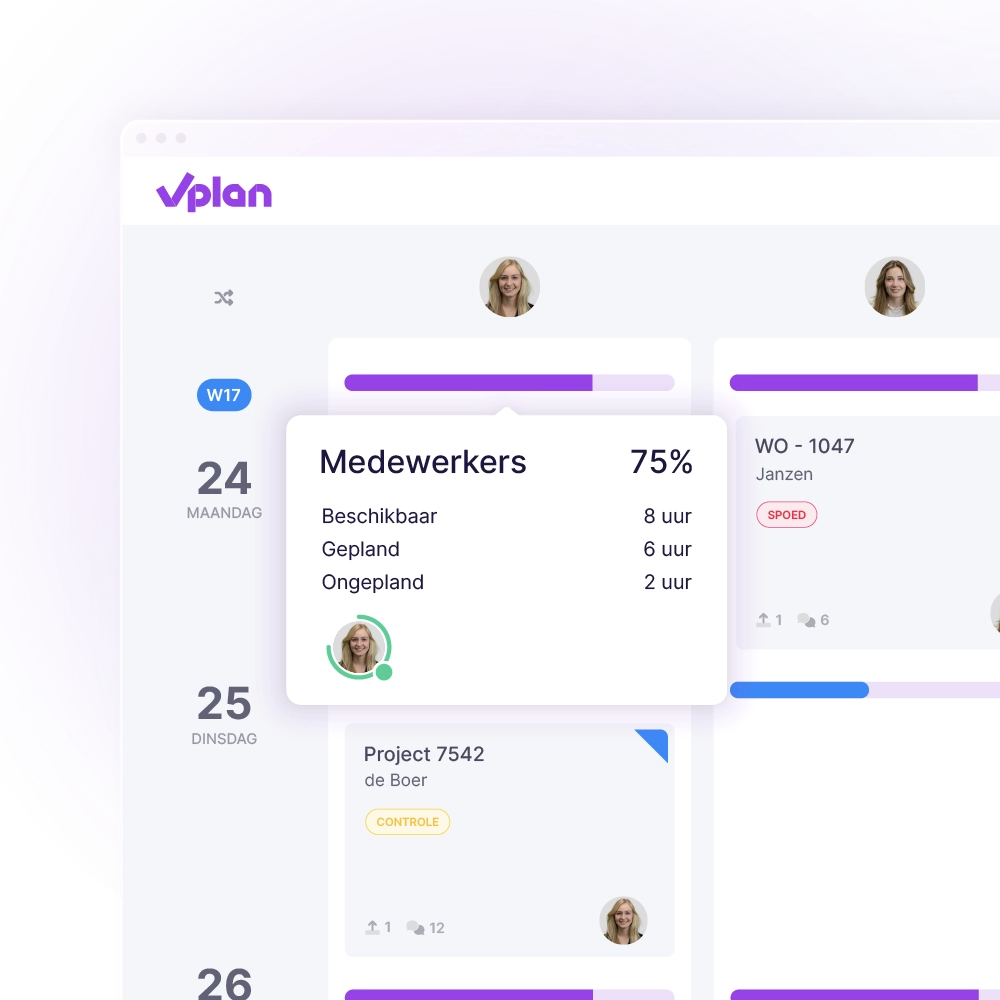
In vPlan, you don’t just plan projects, you also stay in control of available capacity. At a glance, you can see how much space there is per team, department or employee, and where the bottlenecks are.
Whether you’re planning for the short or long term, vPlan makes it easy to avoid overload and allocate capacity wisely. This way, you prevent surprises on the work floor and in your planning.

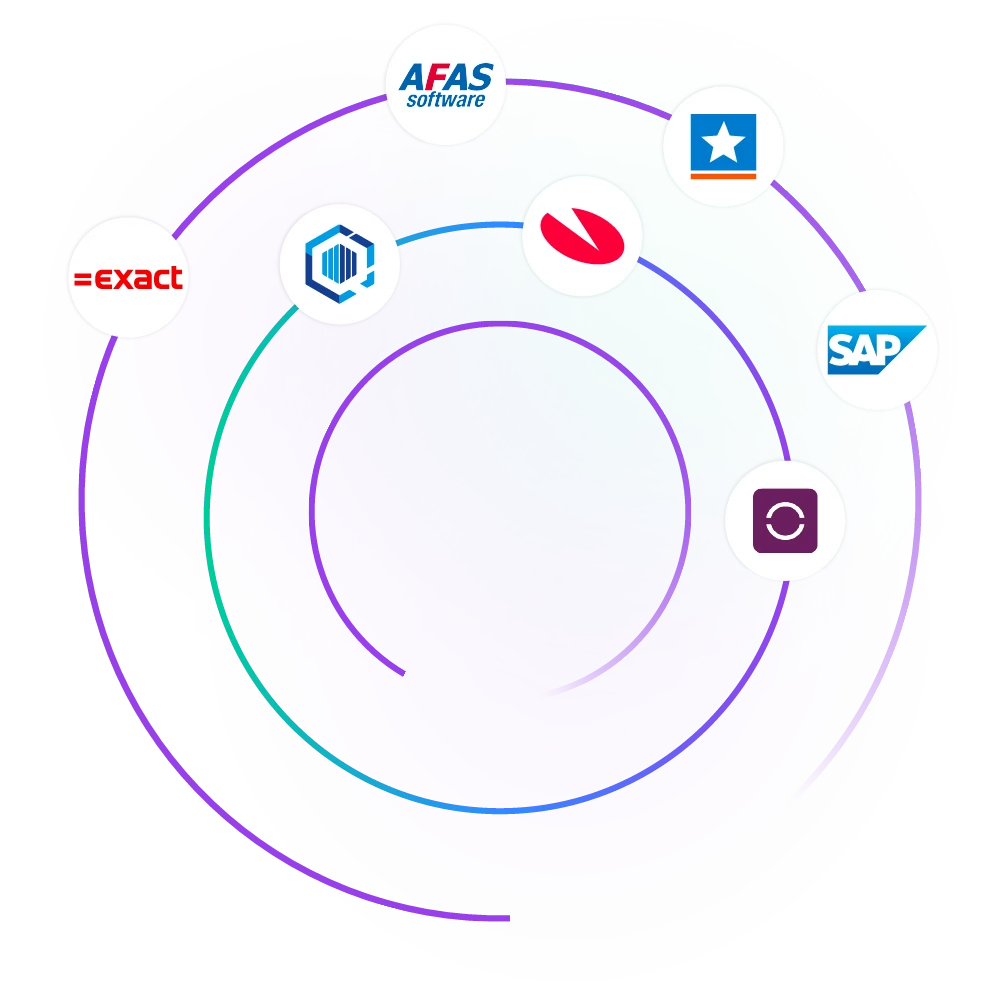
vPlan integrates easily with Dutch ERP and accounting systems such as Exact Online, AFAS and SnelStart. This allows orders, resources and hours to be synchronised automatically.
It prevents duplicate work, reduces errors and ensures a planning process that’s truly connected to your organisation. In Microsoft Project, these kinds of integrations are only possible through custom solutions or additional tools.
In vPlan, you decide how you view the planning. Work with projects that you can group, filter or label. Whether you want to track a single employee or get an overview of all projects, you choose the perspective.
Microsoft Project mainly provides detail at task level via Gantt charts. These are powerful, but in larger plans they quickly become cluttered and difficult to read.
In vPlan, planners and operators work together in one system. Engineers, team leaders or employees can view their tasks, log time, add documents and complete forms, all via the app or desktop. Of course, it’s also possible to export your planning.
For teams that need to look ahead on a daily level for 4 to 6 weeks, vPlan offers the clarity that’s often lost in MS Project. There, the planning is often only visible at a high level.

Not everyone needs to see or edit everything in your planning. In vPlan, you can define per user who can do what. Whether it’s planning, editing or view-only access.
In MS Project, you usually grant access to the entire project file or none at all. This limits control or introduces unnecessary risks.

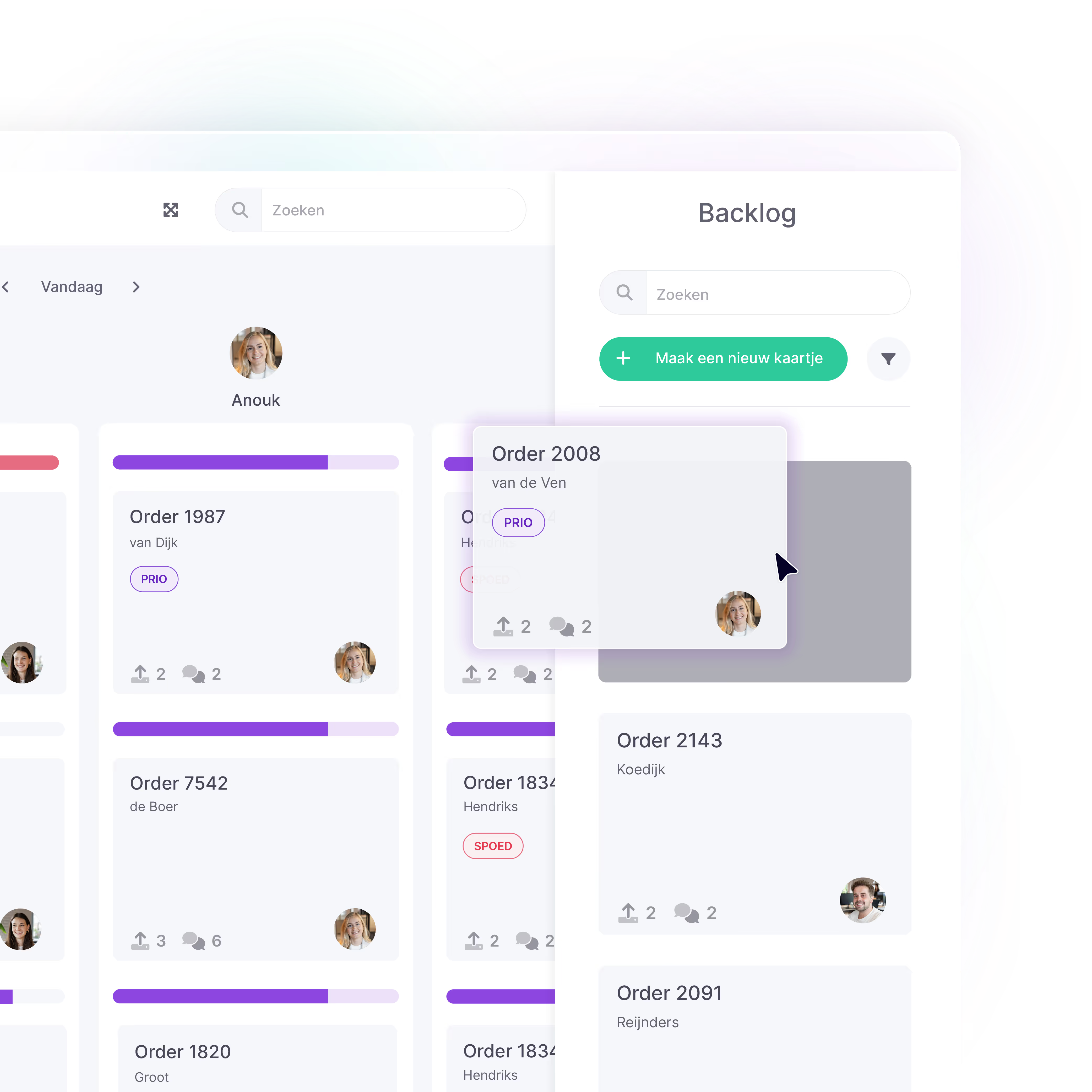
In vPlan, you only start planning when everything is ready. With the backlog feature, you collect work in one central place first. Only when it’s clear, you drag it into the planning. Looking back is easy too: the logbook lets you see up to 12 months of who changed what and when.
MS Project doesn’t offer these features by default or only includes them in certain licences.
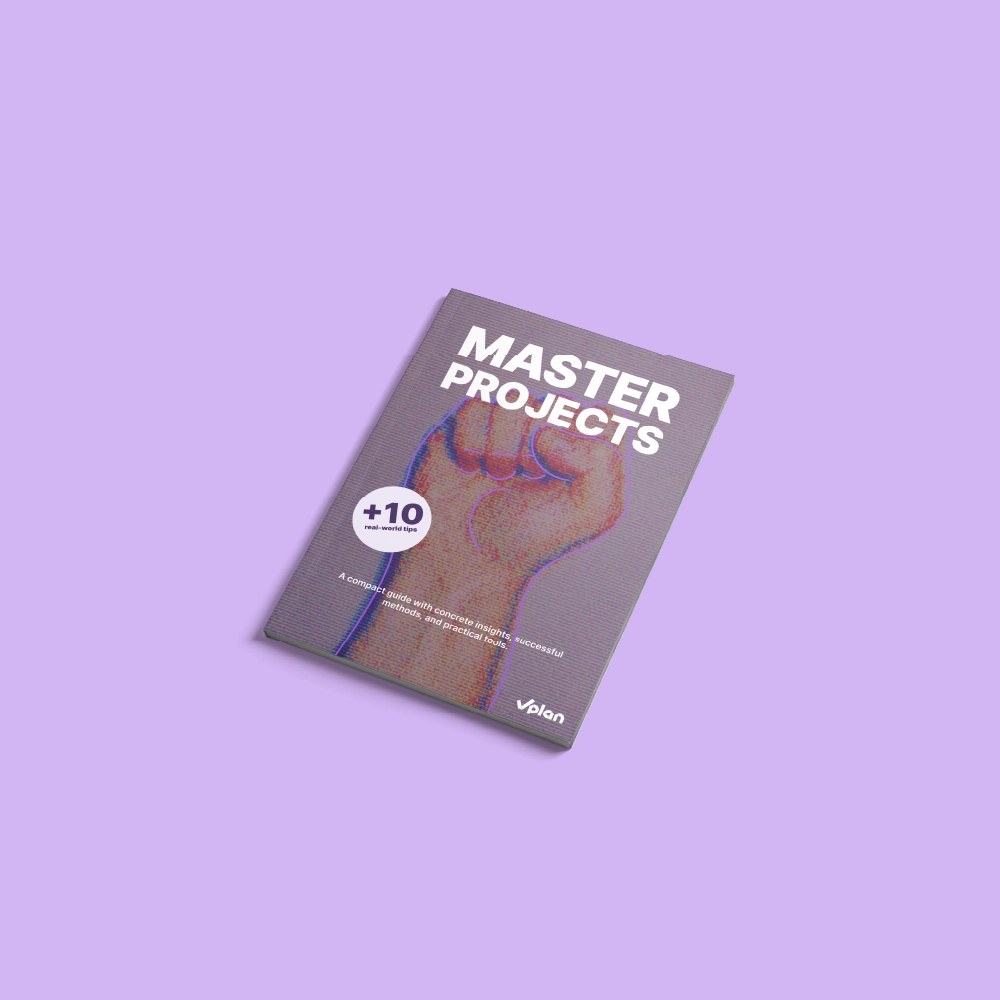
This e-book shows you how to make projects predictable and manageable. With practical checklists, smart tips, and practical examples, you’ll learn how to meet deadlines, use team capacity more effectively, and create a calmer workflow.
Download e-bookEén platform dat alles met elkaar verbindt. Schakel over naar een overzicht van al je taken, projecten en workflows met integraties die jouw team op één lijn houden.
Meer informatie ->










Planning that works doesn't have to be a challenge. With vPlan, you work smarter, not harder. From simple workflows to real-time collaboration.

Microsoft Project focuses on traditional project planning with Gantt charts and task dependencies. vPlan, on the other hand, is visual, flexible and user-friendly. You work with boards, maps and filters, and can plan and execute within one system. Ideal for teams that want an overview without complexity.
Yes, vPlan is a strong alternative to Microsoft Project, especially for teams that need simplicity, flexibility and real-time collaboration. While MS Project is particularly suitable for project managers, vPlan also makes it possible to actively involve executive staff in planning and operation.
Because vPlan is easier to use, works visually, and actively involves your team in the planning process. You don’t need to be a project management expert to work with it. Plus, you’ll have Dutch-speaking support and consultancy, something often lacking with Microsoft Project.
In many cases, yes. With vPlan, you get all core functionalities in one clear package, without extra licences for time tracking or integrations. Microsoft Project often requires additional modules or tools for a complete solution.